
AI document captureAI
Snap a face sheet or ID by flashlight; demographics, history, allergies, and meds auto-fill. Review, accept, move on to the patient.
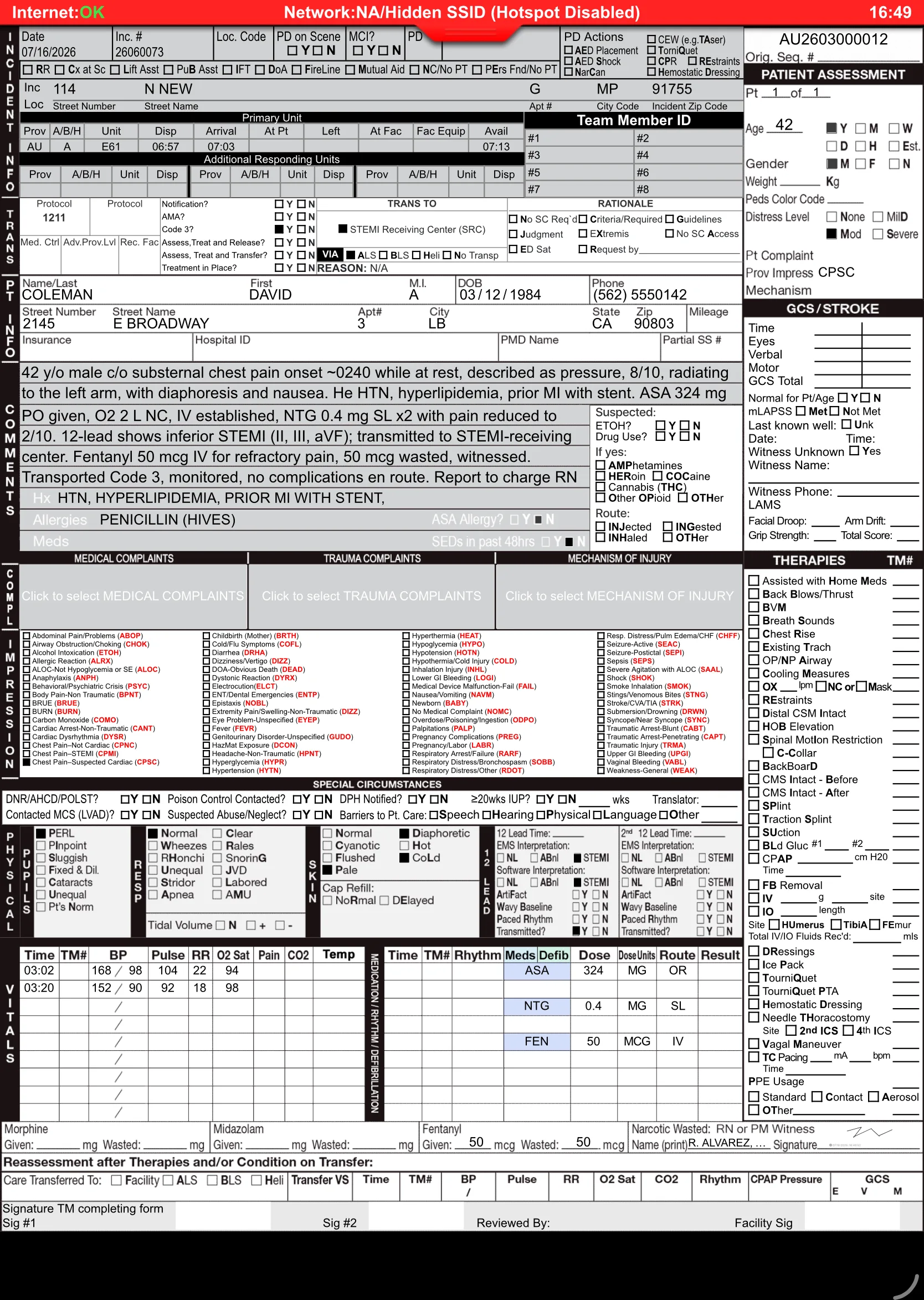
Medic Clipboard is the ePCR you already know how to use — a familiar, proven standard form, modeled on the paper PCR your crews trained on, running on a modern platform built for the field. Scroll through one night-shift call, from a 02:47 tone-out to a report that finished itself before breakfast.
Every chapter below is a real moment in a shift — and a real set of Medic Clipboard features doing their job at exactly that moment. Keep scrolling and watch the sun come up.
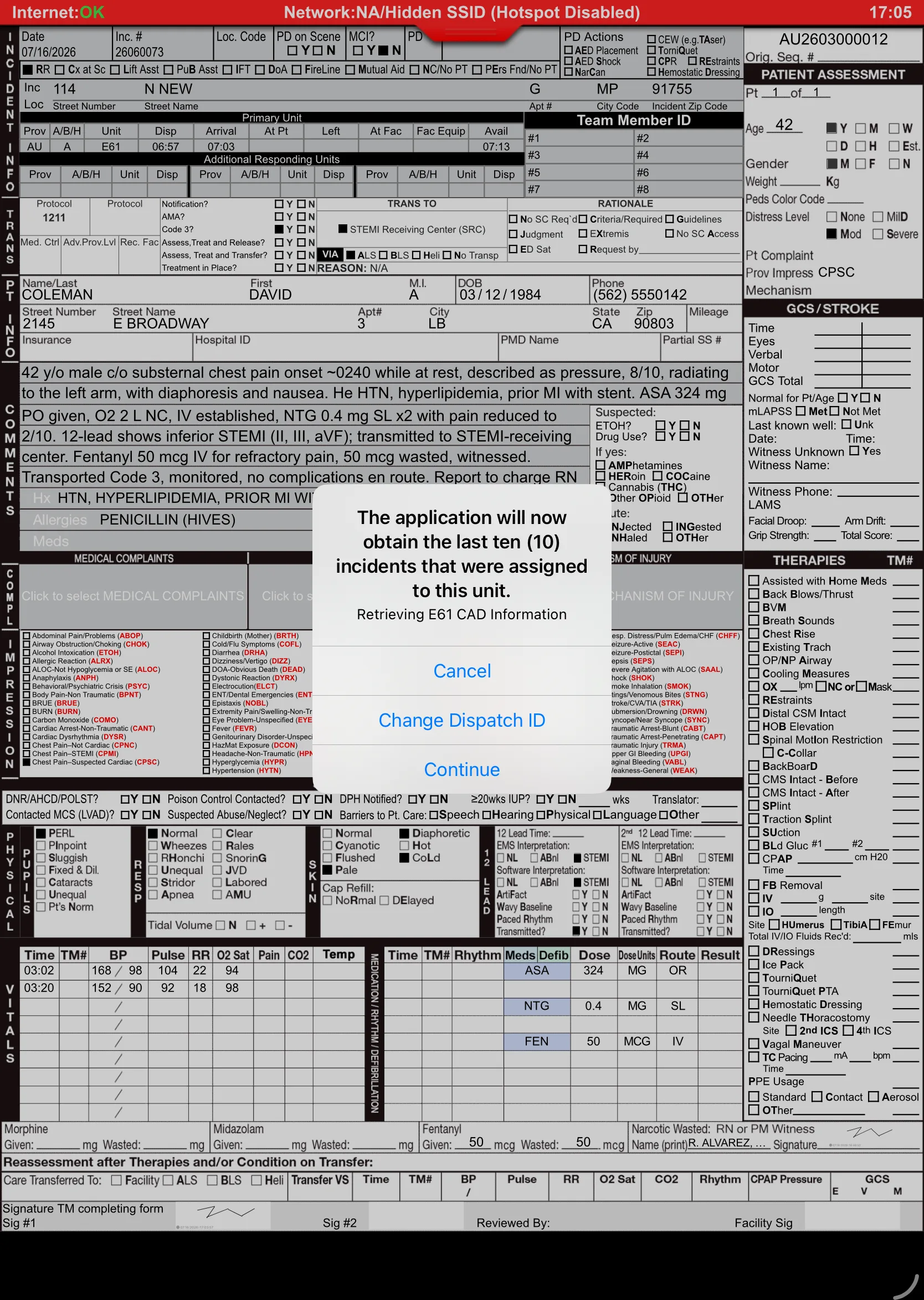
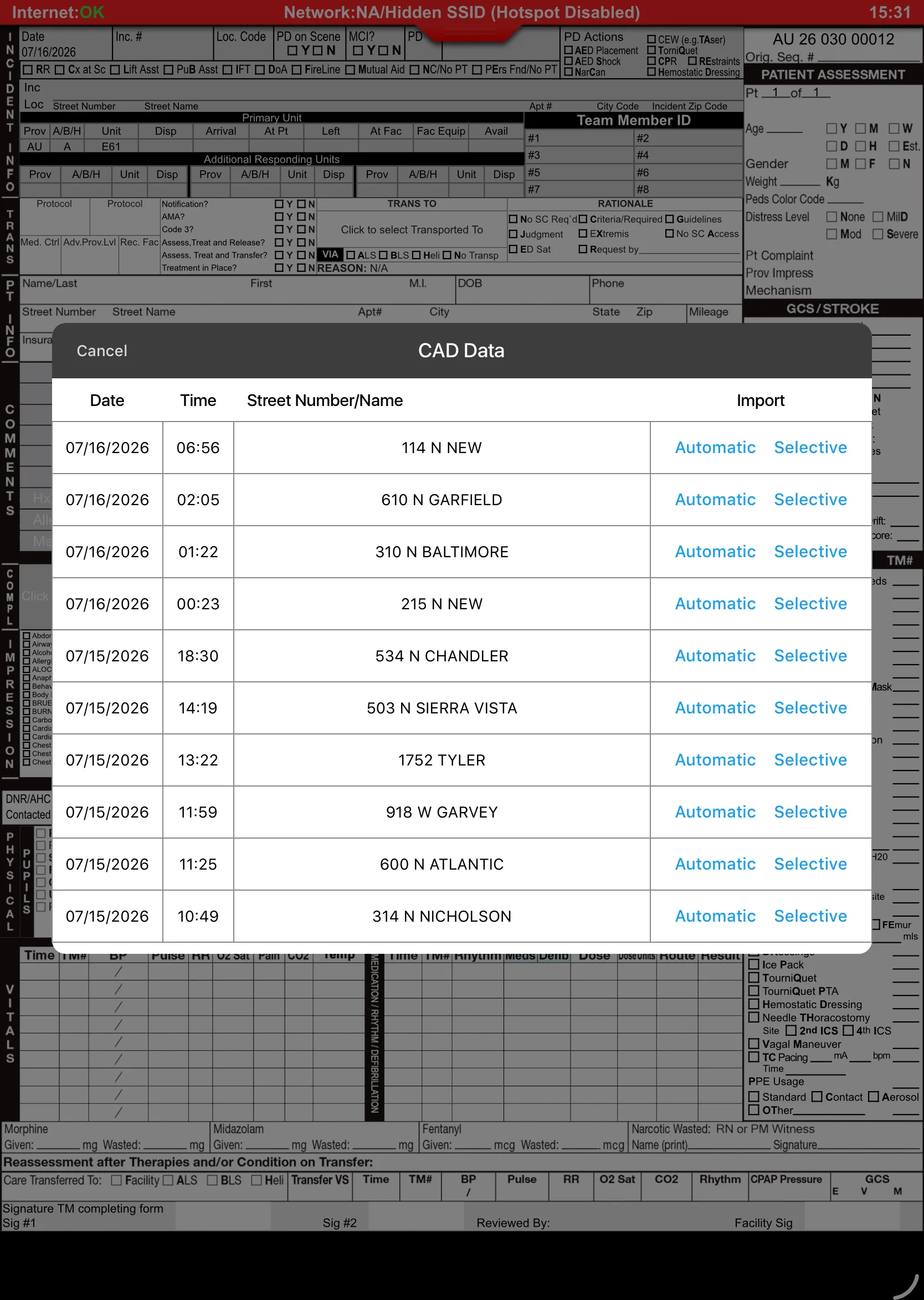
Deep night. The red glow on the apron is the only light on the block. No internet, no problem — the crew starts the chart offline while boots hit the floor, and when they're ready, CAD Support pulls unit, times, address, and dispatch complaint into Medic Clipboard on command. Zero re-typing at 3 a.m., and you decide exactly what goes into your report.

Incident numbers, dispatch times, and location wait at your dispatch center until you pull them into the ePCR — one deliberate tap, no retyping, and the user dictates what lands in the chart. Start the report offline; pull CAD in when you're ready.

Two units toned to one patient at 02:47? The platform flags likely duplicate charts automatically and notifies staff before they become a billing problem.

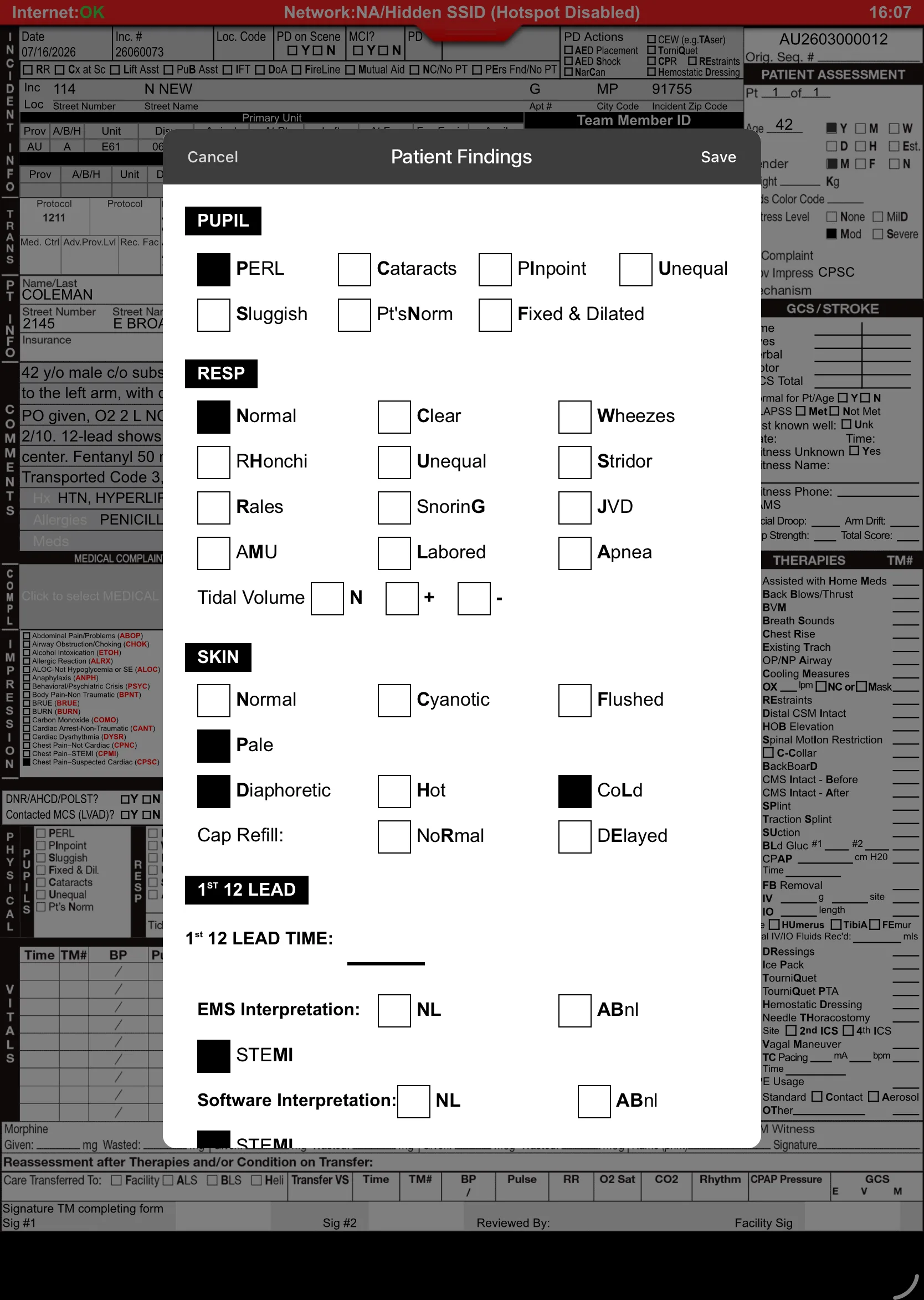
A standard ePCR form modeled on the familiar paper PCR layout medics already know — the same proven format crews trained on, so the muscle memory works at any hour.
Concrete building, dead zone. Medic Clipboard is Internet Independent — the full chart works offline and syncs later. While one medic assesses, the other points the camera at the nightstand full of pill bottles, and the med list writes itself.
| Brand | Trade | Class | Dose | Conf. |
|---|---|---|---|---|
| Metoprolol | Lopressor | Beta blocker | 25 mg BID | 98% |
| Apixaban | Eliquis | Anticoagulant | 5 mg BID | 96% |
| Atorvastatin | Lipitor | Statin | 40 mg QHS | 99% |
Snap a face sheet or ID by flashlight; demographics, history, allergies, and meds auto-fill. Review, accept, move on to the patient.
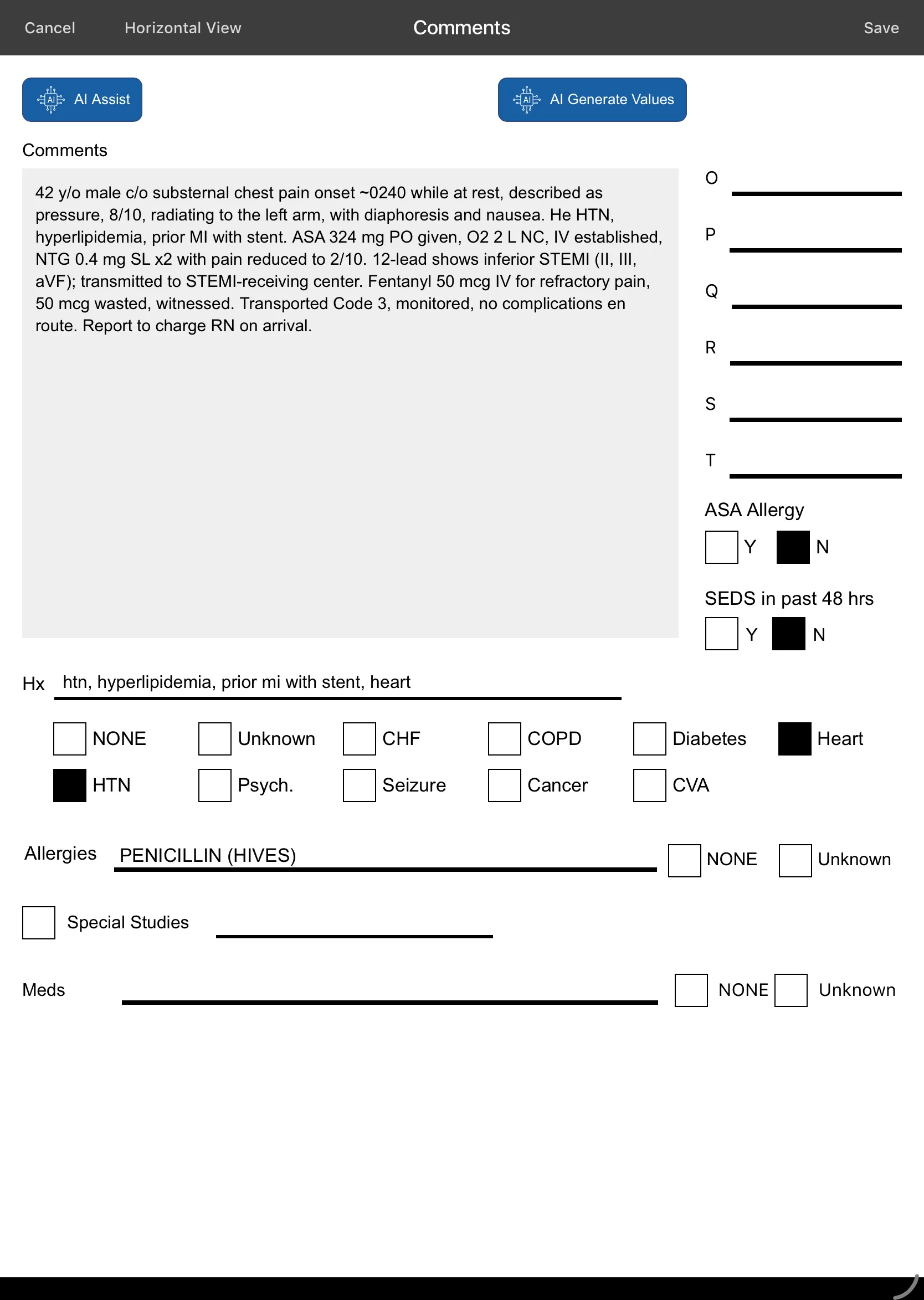
Dictate the narrative in the dark; AI maps speech to structured NEMSIS fields with confidence levels and cited excerpts — you approve every field. Full dictation audit log retained.

No medical director awake at 03:00? Ask your own uploaded protocols a question — a retrieval-based assistant answers in the field, on the device.
Wristbands, driver's licenses, and equipment tags scan straight into the chart — no squinting, no transcription errors.
Scene, mechanism, injuries, and 12-leads attach to the incident and travel with the report to QA and the receiving hospital.

Thorough coverage of the full call: cardiac arrest & resuscitation, airway confirmation, GCS scoring, serial vitals trending, pediatric dosing, and blood products — plus AMA/APF refusals, Medicare/ABN, and PUCC forms when the call takes a turn.
The ALS unit takes over transport. Instead of a verbal report scribbled on a glove under a dome light, the BLS medic sends the entire in-progress chart to the incoming crew's iPad with Remote Handoff — securely over the internet, to a unit parked nose-to-nose or one miles away. En route, the monitor does its part too.
Send an in-progress report securely over the internet to another unit — nearby or miles away. The receiving crew continues the same chart — one patient, one record, no re-telling the story at 4 a.m.
Two crews, one record: one unit charts vitals and treatments at the patient's side while another captures demographics and the less patient-critical fields — then Download & Merge combines both into a single report. Patient care stays where it belongs.
12-leads and vitals attach from ZOLL monitors and from Stryker LIFEPAK monitors alike — both land in the report while you work, no cables and no screenshots.
Destination details at a tap. The receiving facility views and downloads the report through its dedicated Receiving Hospital Website — and printing at the ED is there as an option when they want paper. Ambulance patient offload time (APOT) is tracked for compliance while the hallway waits.
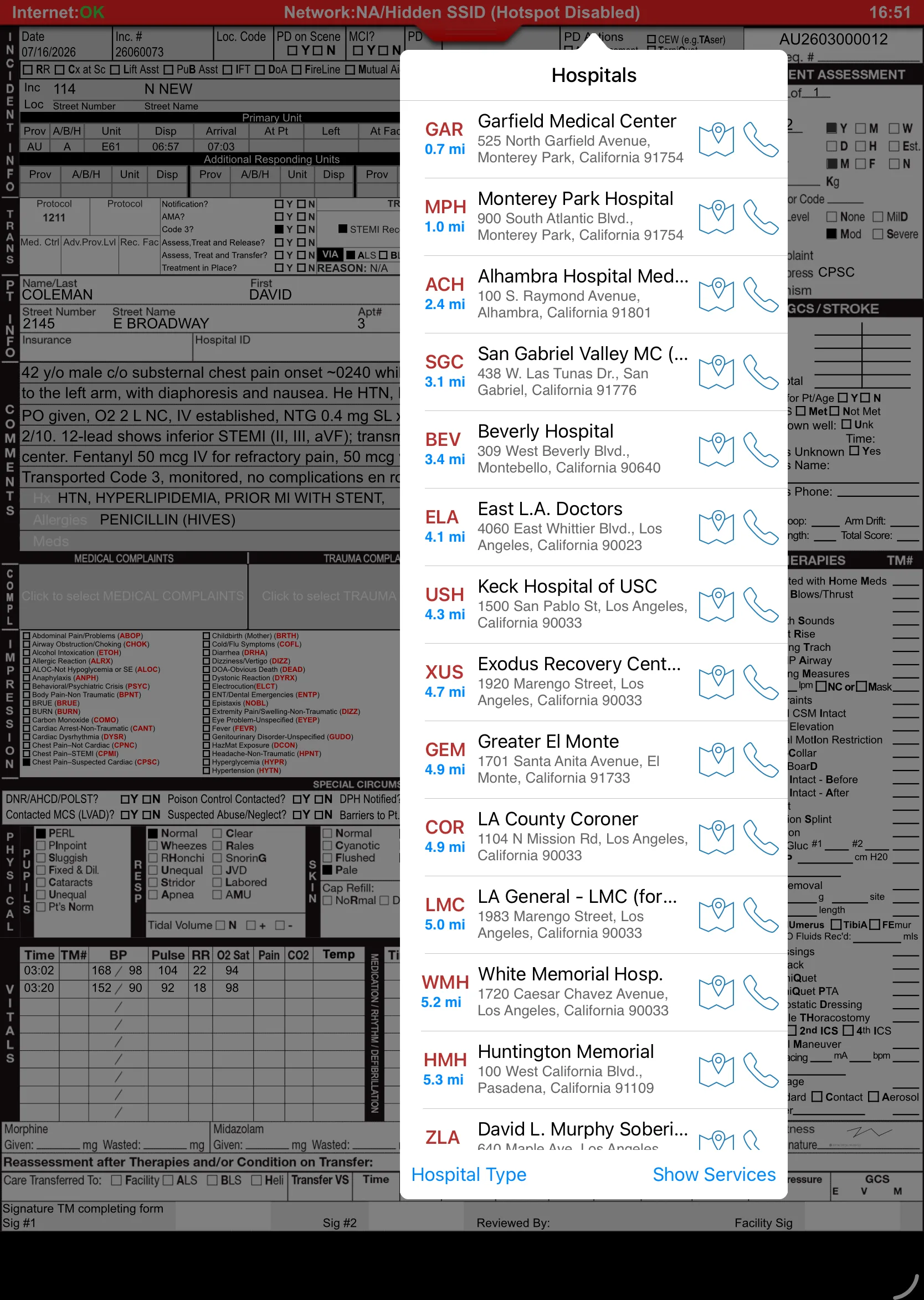
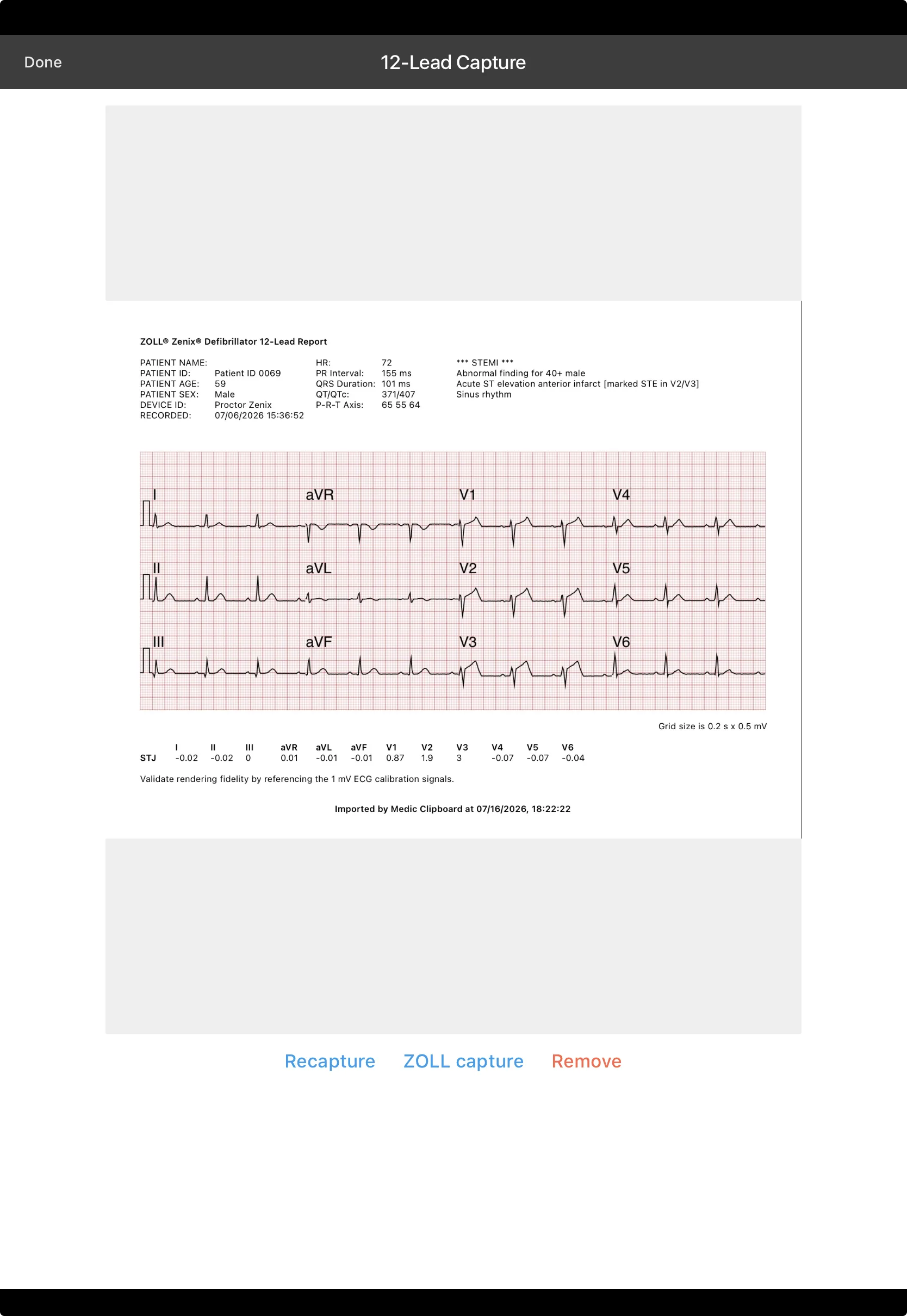
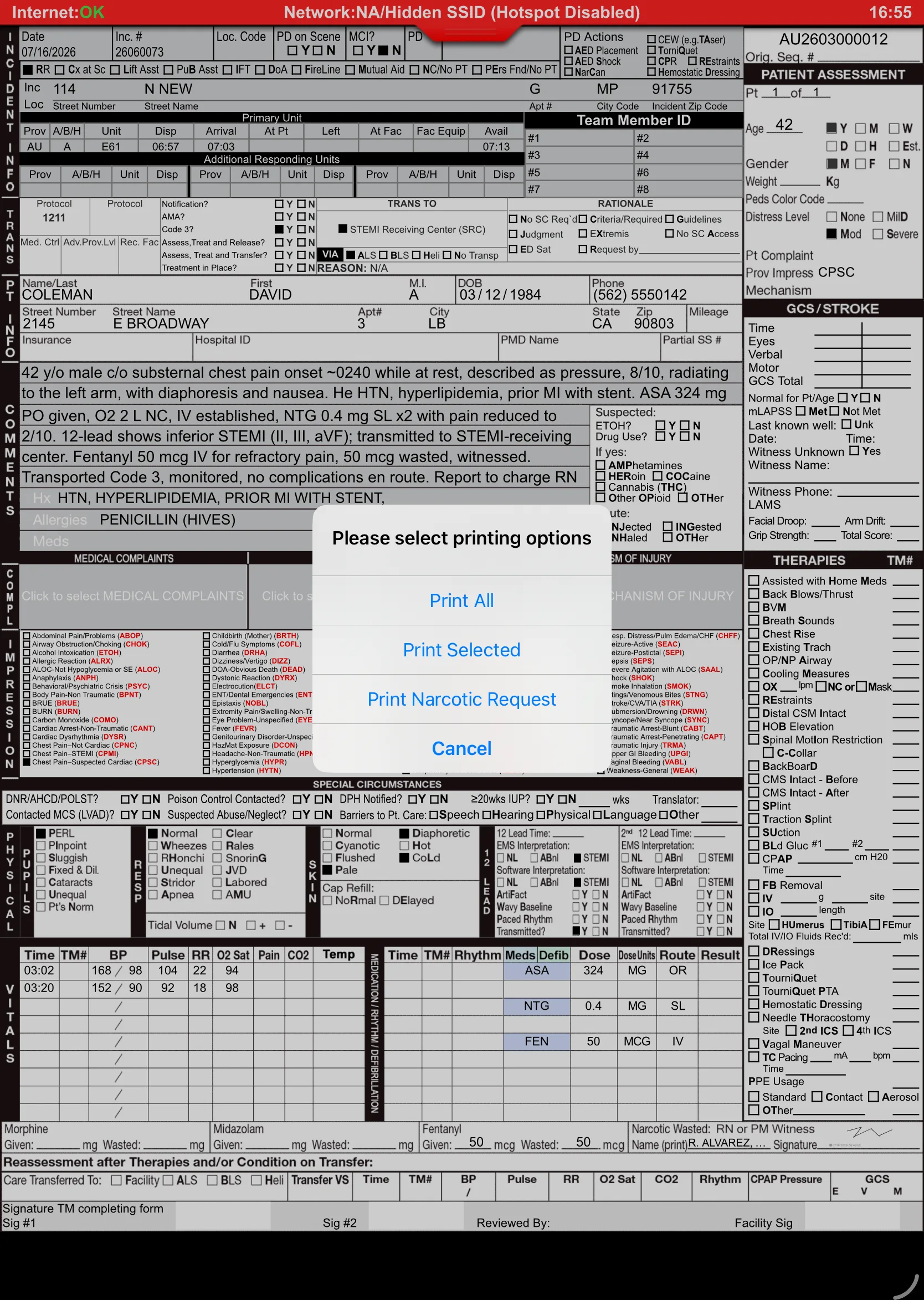
The sky over the bay doors is turning slate. The chart isn't a chore now — it's nearly done. Mandatory validations block the true must-haves; recommended validations coach for completeness without nagging. Signatures are on glass, and the report uploads the moment station Wi-Fi appears.
NEMSIS 3.5-aware rules catch missing elements before QA ever sees the report — hard stops for the critical, gentle flags for the rest.
Patient, crew, receiving RN — captured on the iPad and embedded in the final PDF exactly where your paper form put them.
iPad died at 04:00? Every keystroke persists locally, and report data also syncs incrementally to the cloud as the crew works. Reopen the app and the chart is exactly where you left it — and even if the iPad itself is destroyed (dropped, run over… chock block, anyone?), the data isn't. Sending & receiving picks up on its own.
Keychain credential storage and device-identity checks fit your county's MDM posture. A rig iPad left on a bumper stays a brick to anyone else. HIPAA-serious by design.
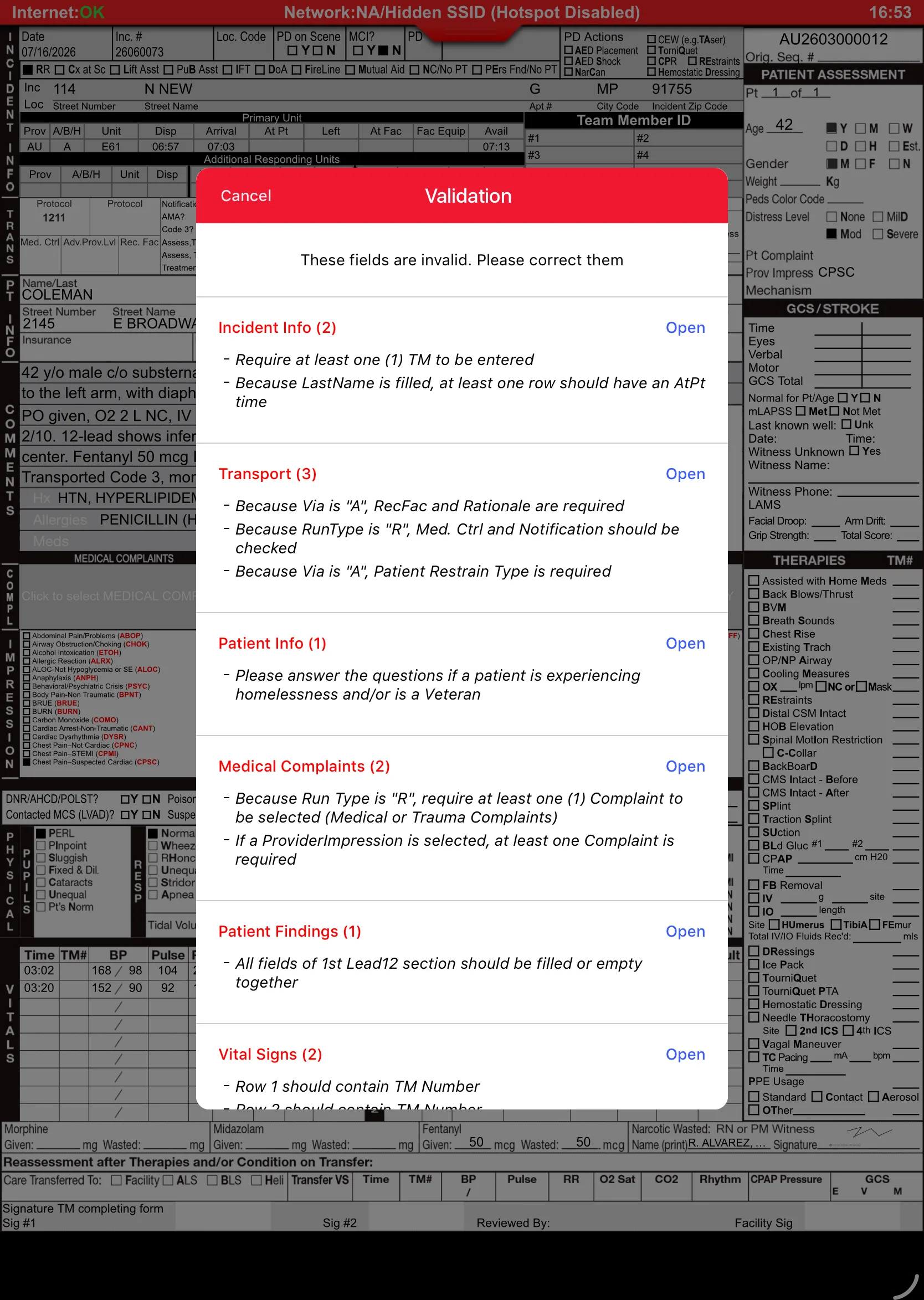
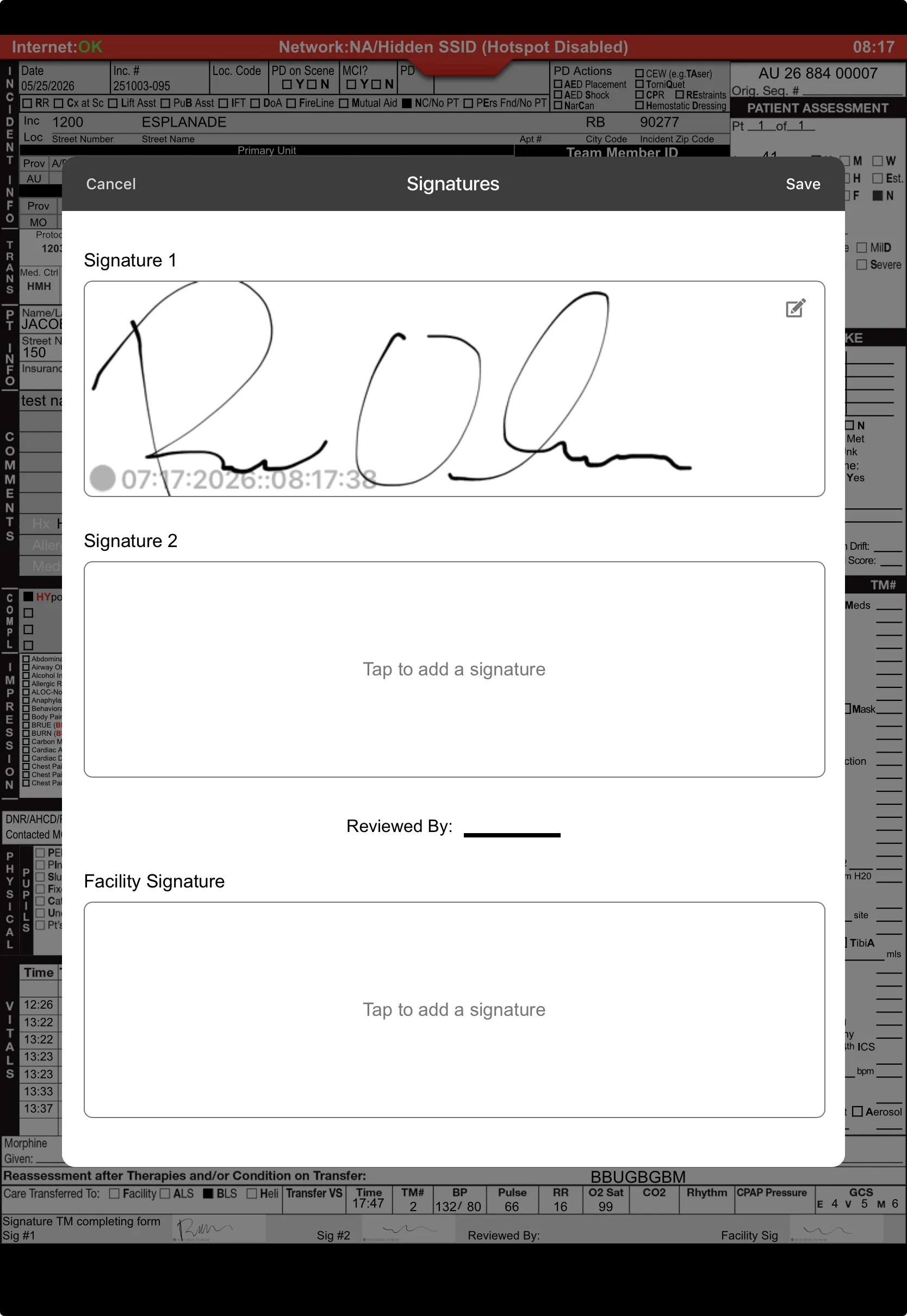
Uploaded at 04:52, validated, signed, and receipted. No one is staying late to type. No one is coming back on a day off to "fix the narrative." The report finished itself before breakfast — that's the whole point.
Incident #2026-04471 landed on the Back-end Website overnight. The QA officer reviews it with photos and the 12-lead inline; the validated chart already auto-submitted to the state; billing got its export without anyone touching a fax machine. The morning after a night shift used to be where paperwork began. Now it's where it's already over.
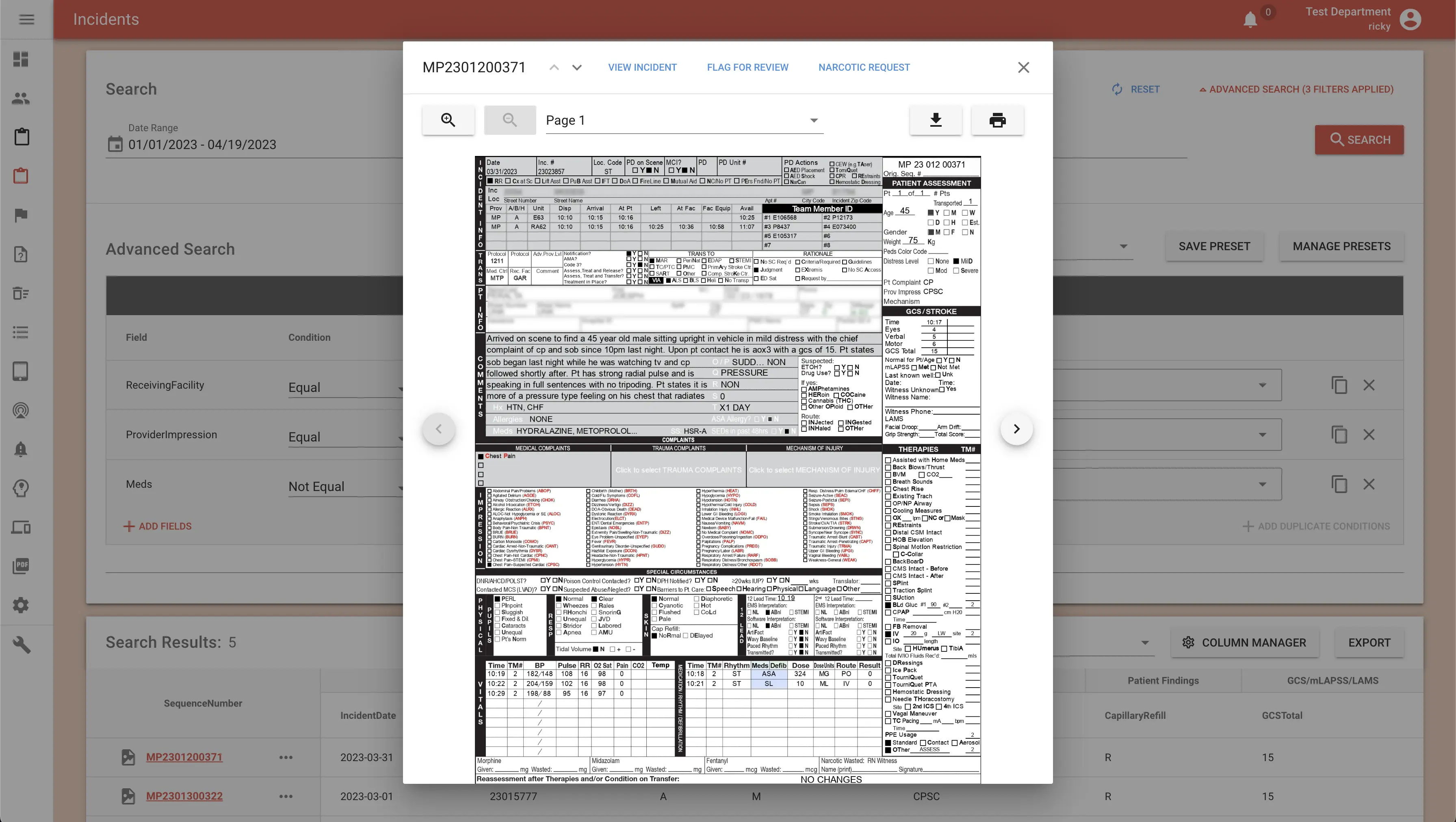
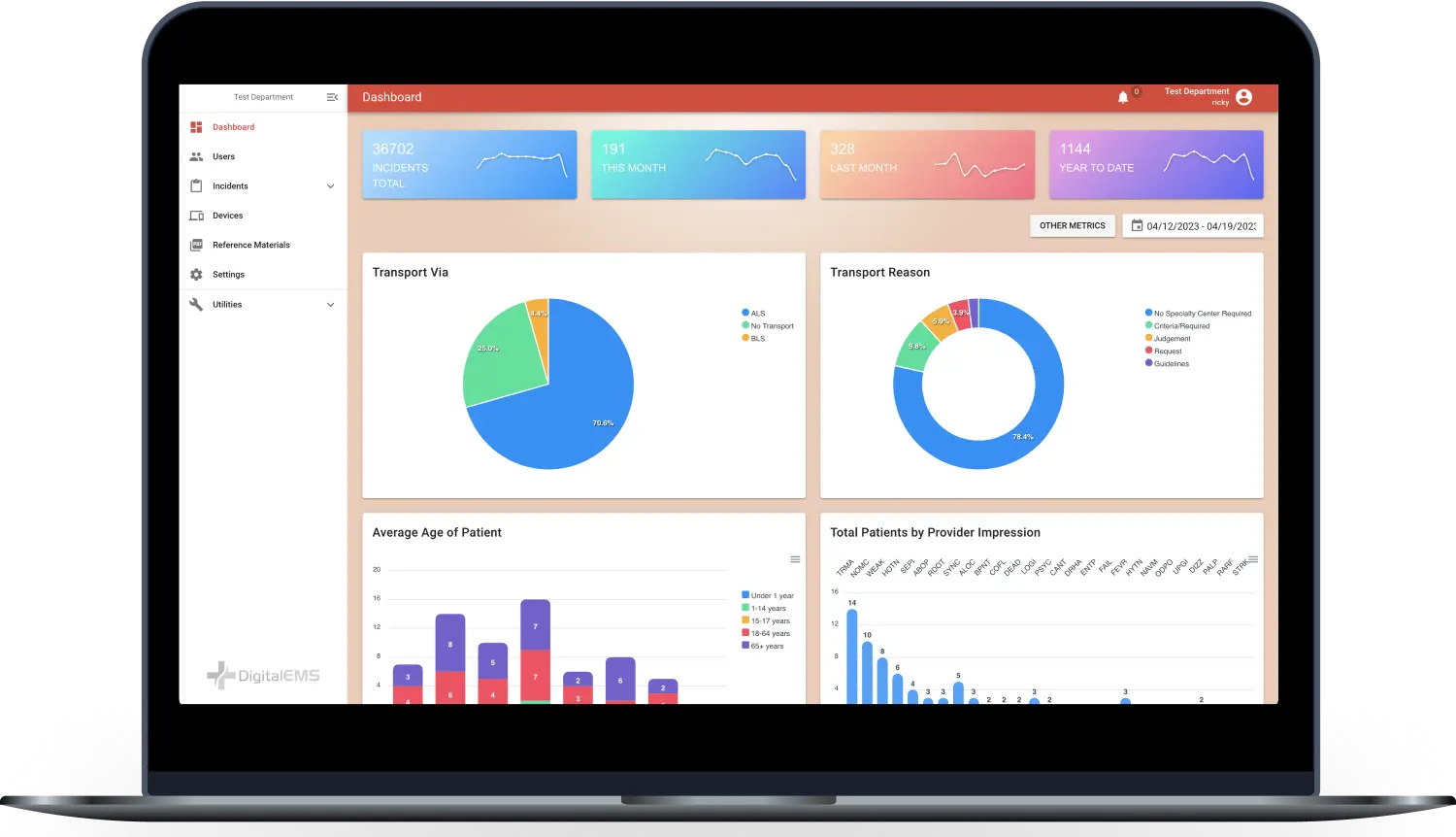
Dashboards, monitors & alerts, report flagging, PDF viewer, advanced search, and reconciliation — every chart reviewed, every trend visible.
Scheduled, pre-validated auto-submission to your state repository — with failure notifications and one-click bulk re-export.
NEMSIS-billing, private-ambulance and agency-specific exports, invoice PDF generation, and automatic billing-FTP delivery to your biller.
Combined Fire+EMS agency? Export fire incidents to NERIS from the same platform your medics already chart on.
Continuing-education hours, licenses and expirations, skills per license, certificates, evaluations — with expiry notifications before they bite.
RBAC, multi-agency tenancy, API keys with a full audit log, trusted browsers — plus FirstWatch, MindBase, and HDE feeds out of the box.
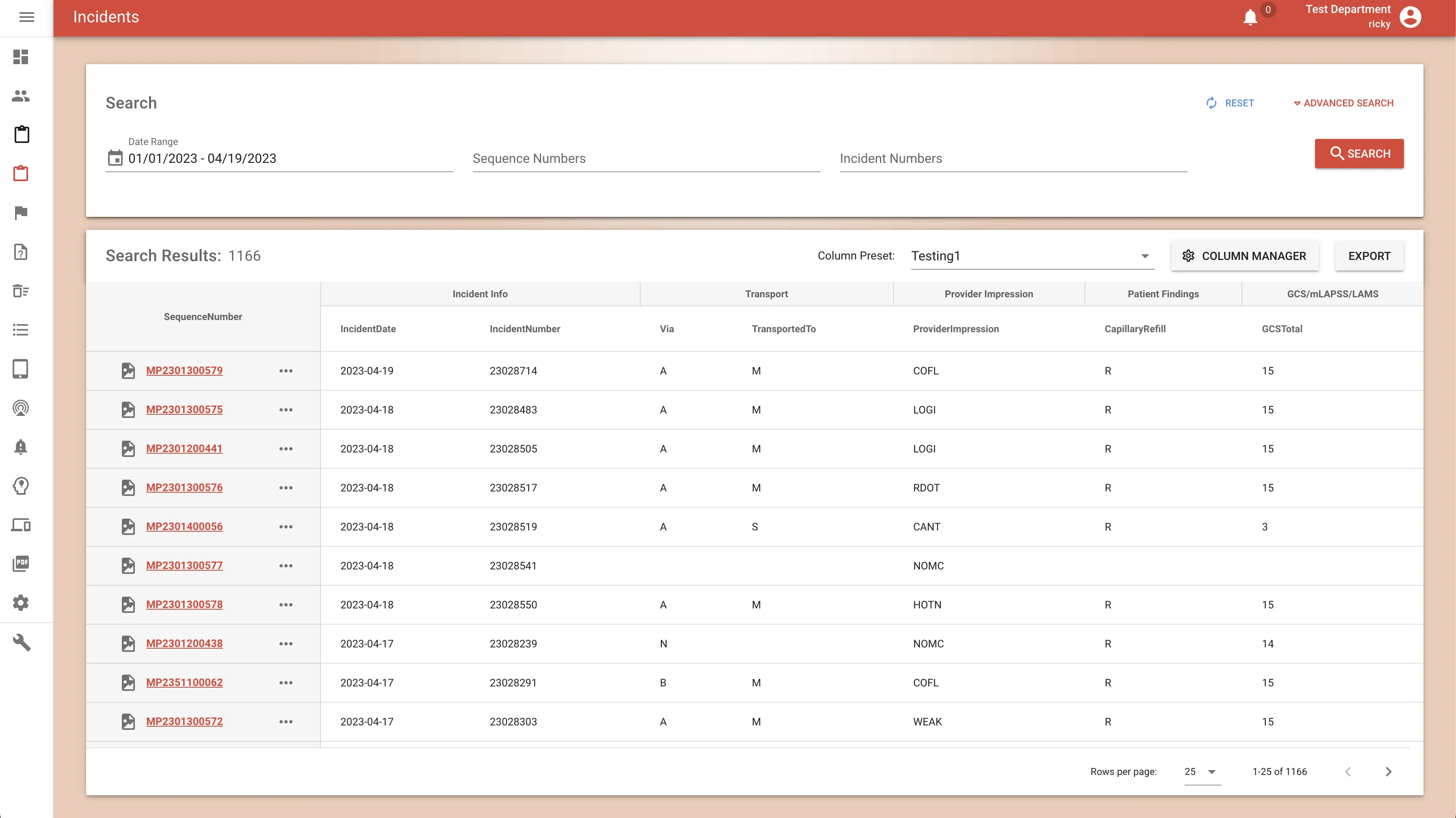
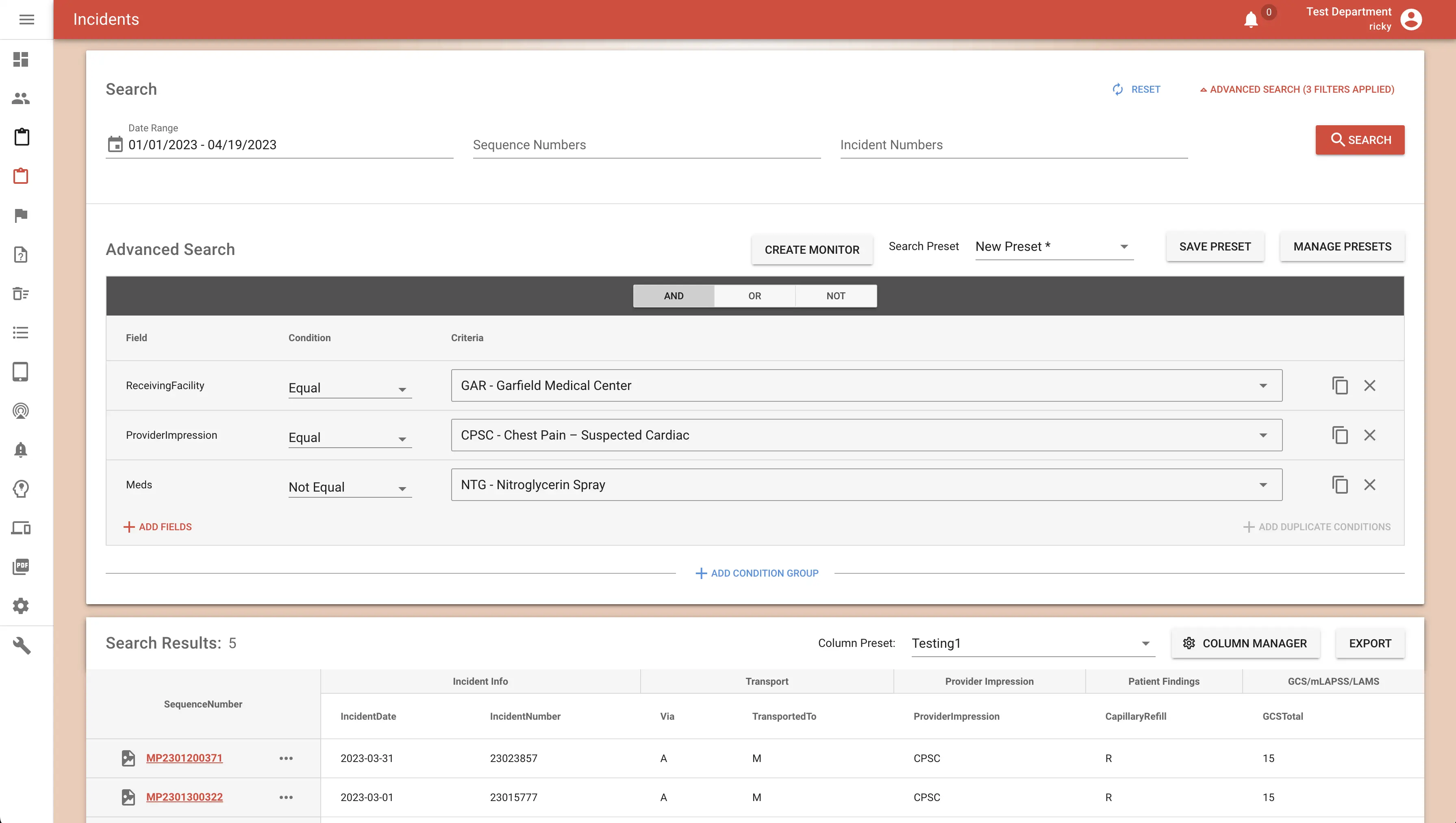
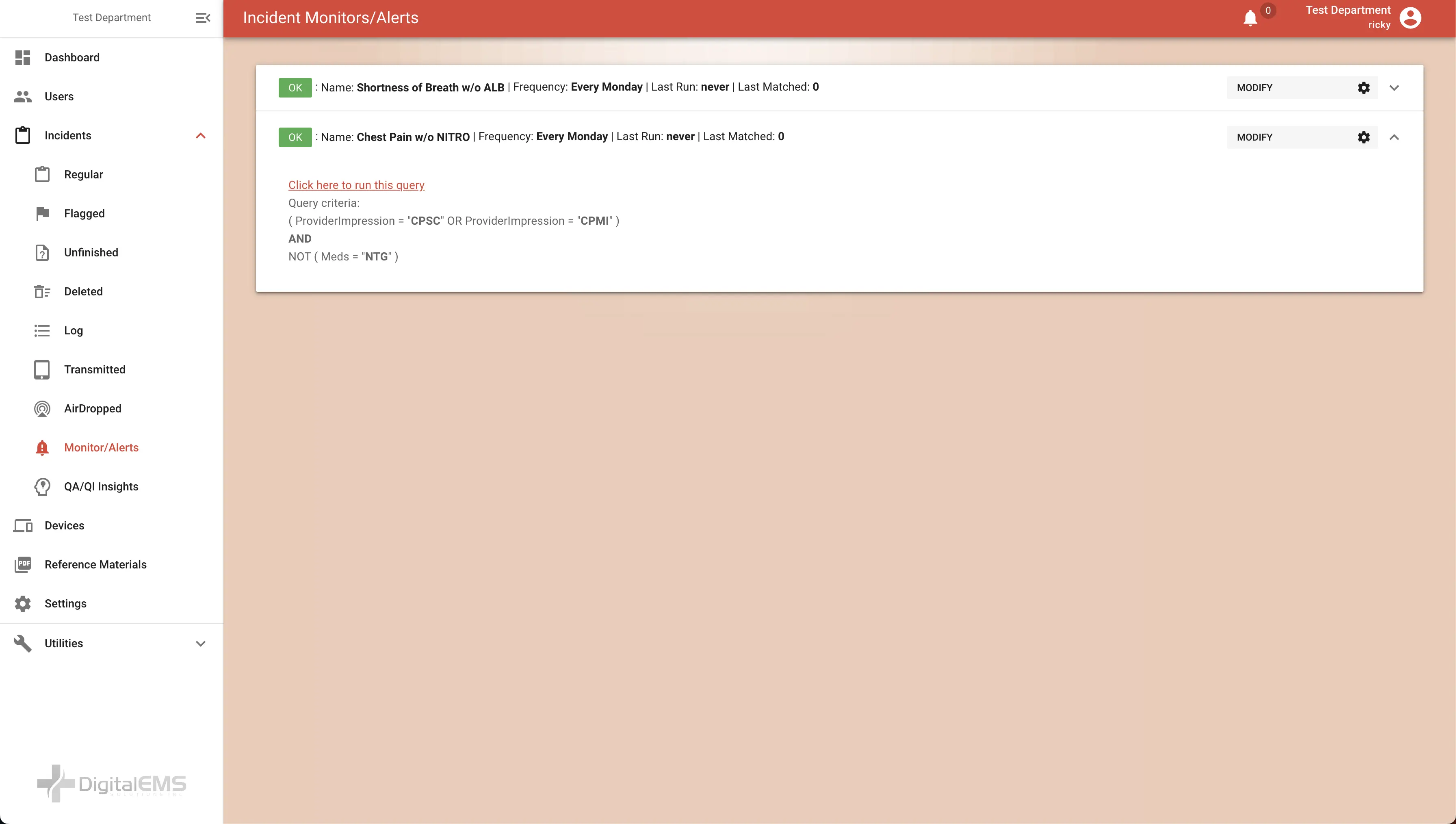
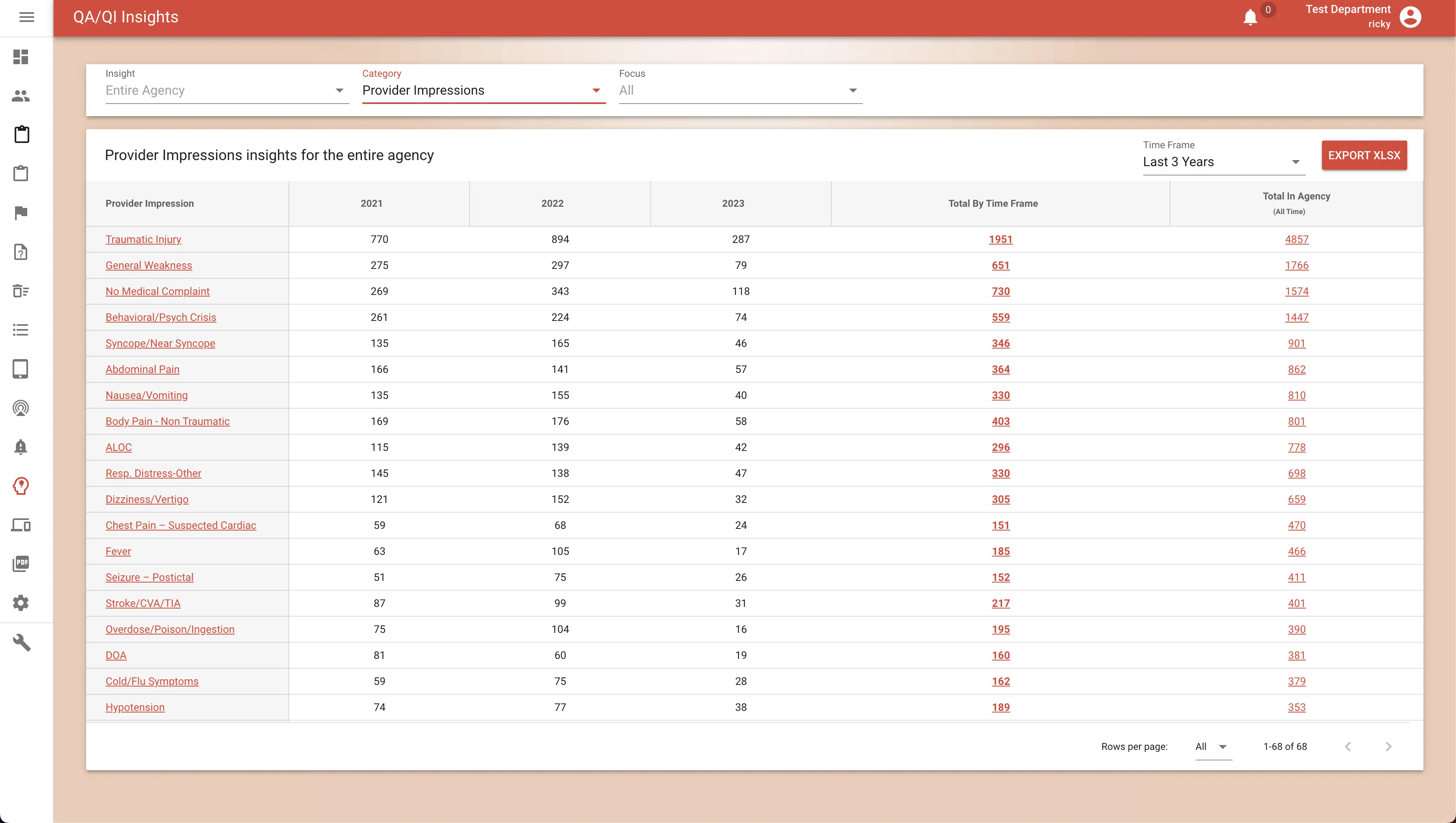
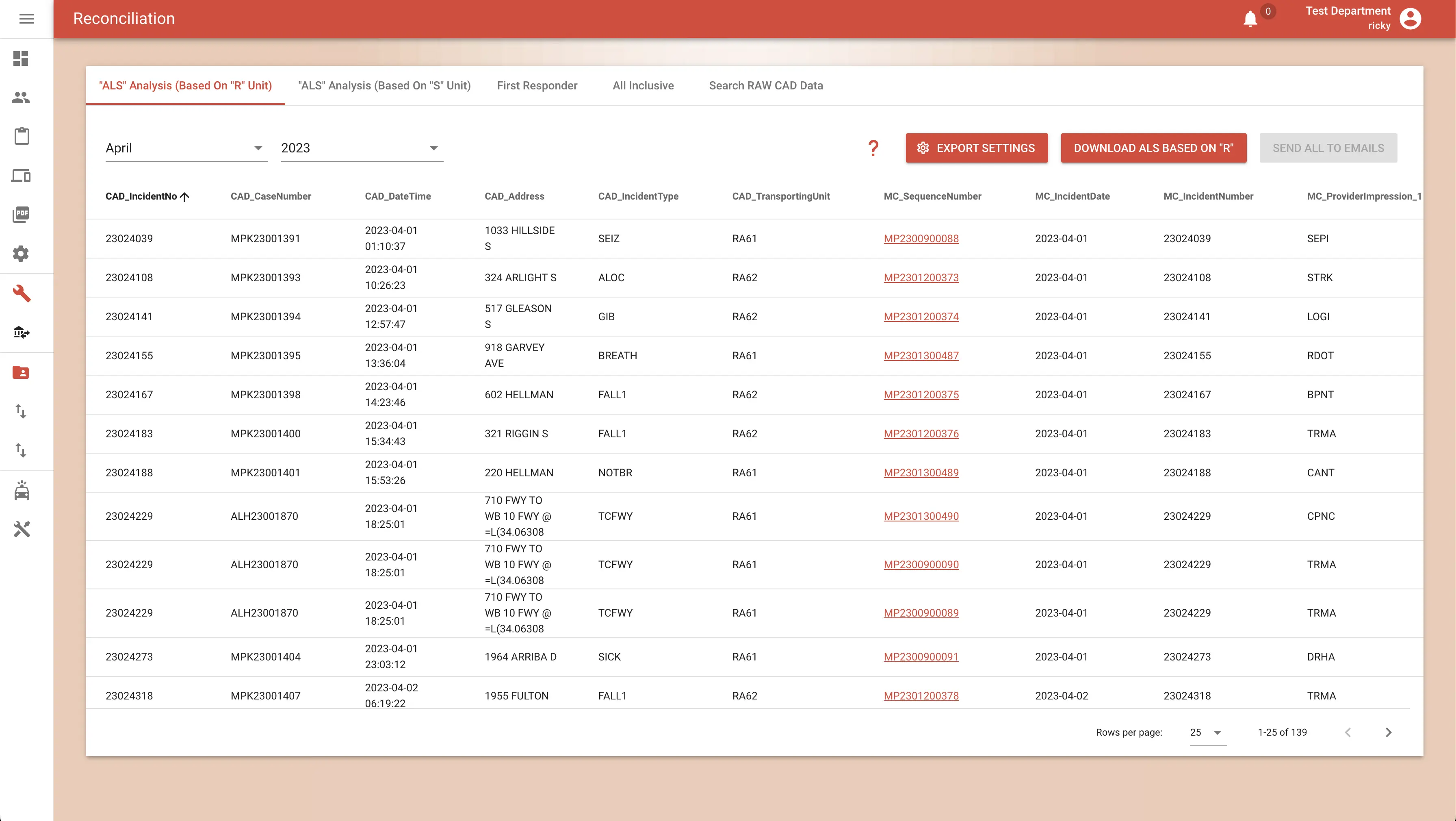
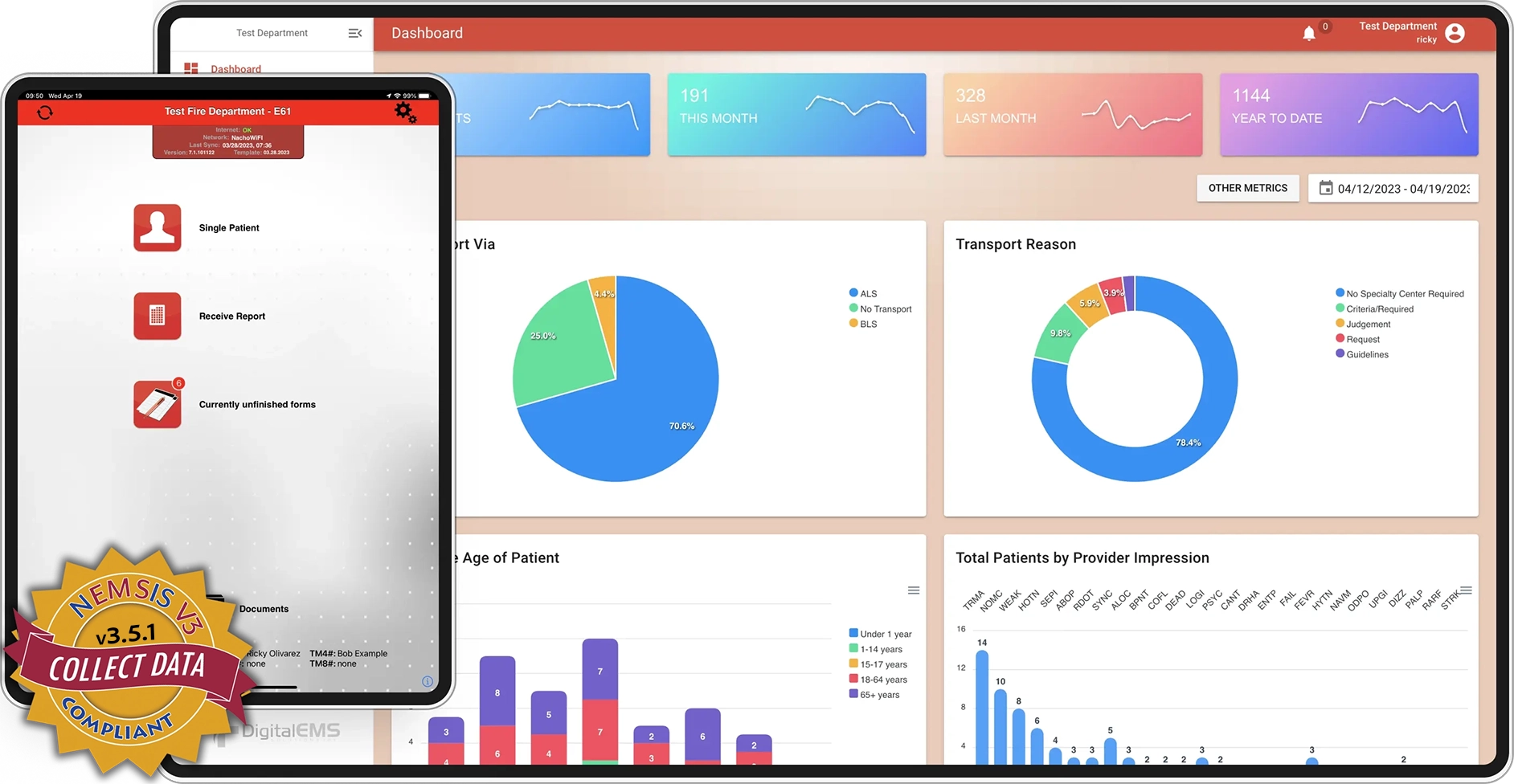
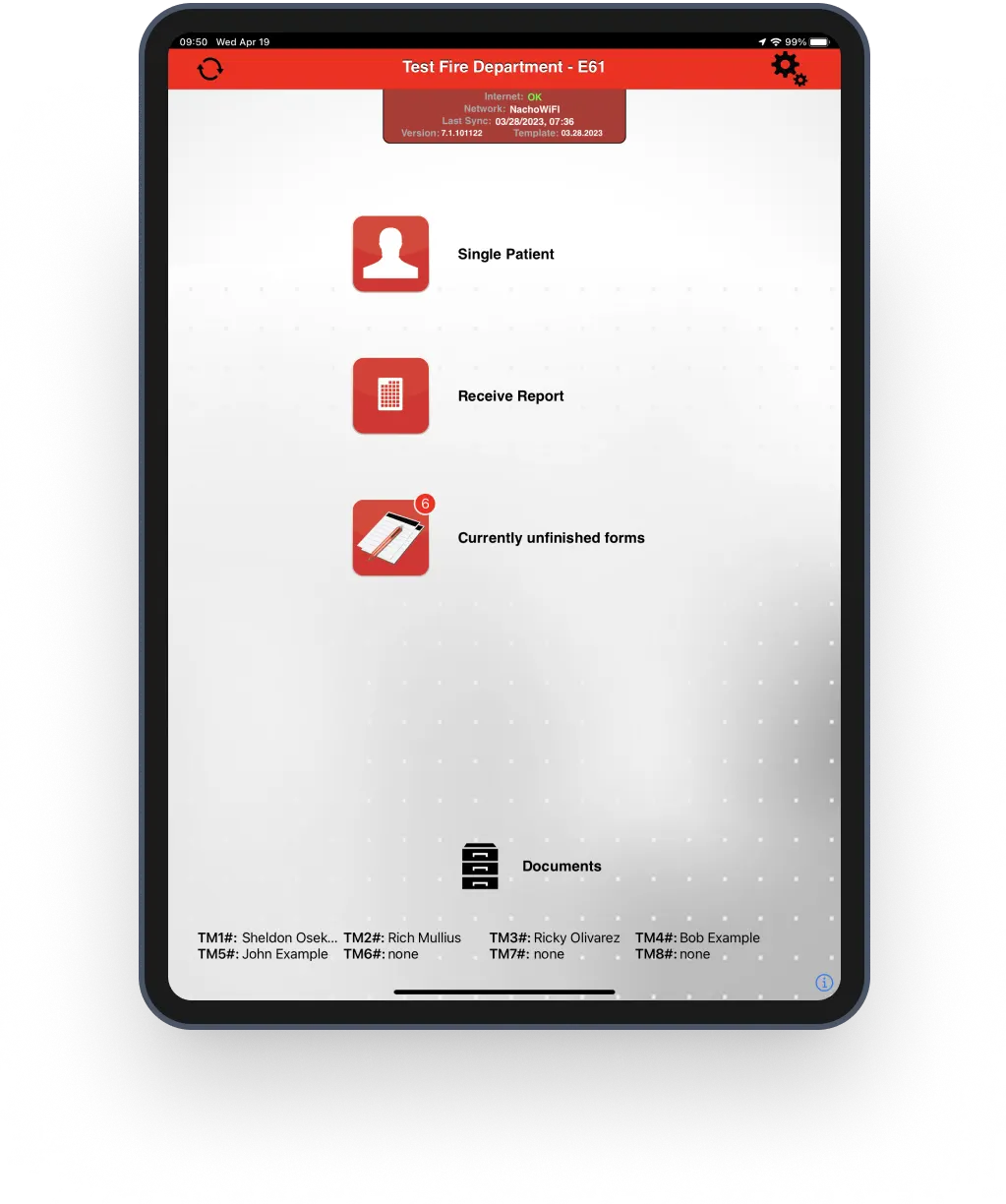
Everything you just scrolled through runs on a pair of tightly-integrated tools: the iPad app your medics chart on in the dark, and the website your administrators open with the blinds up.
The ePCR your crews already know — a standard form modeled on the familiar paper PCR layout they trained on. Main screens, detailed input, signatures, mandatory & recommended validations, ZOLL & Stryker LIFEPAK EKG capture, hospital information, optional printing, CAD support, sending & receiving. Runs on any iPad, fully offline.
Receive reports, main dashboard, PDF viewer, incidents, advanced search, report view with images and 12-lead EKGs, monitors & alerts, QA/QI insights, and reconciliation — plus billing, automated state submission, and CE management.
Any ePCR demos well at noon on a conference table. These are the qualities that matter on the hundredth call of the month, in the dark, with no bars.
A familiar, proven form — the standard ePCR modeled on the paper PCR layout your medics trained on, delivered on a modern platform built for the field.
CAD in, state and billing out. The chart moves through your ecosystem without re-keying — asleep or awake.
iPad in the field, desktop in the office. If your medics can use a clipboard, they can use this.
Full functionality with zero connectivity. LTE, Wi-Fi, or a concrete stairwell at 03:04 — the chart doesn't care.
Fewer taps, familiar layout, AI shortcuts. More time on the patient, less under the dome light.
HIPAA-compliant, NEMSIS 3.5-validated, QA/QI-instrumented. Clean data you can defend in daylight.
You pay only for what you upload. A report ("tag") is the unit of billing; slow month, smaller bill. No per-seat licensing, no annual lock-in surprises, no charge for the calls that never come.
Unlimited iPads, unlimited users, unlimited admin logins. Software licensing costs you nothing.
Common one-time setup fees — training, CAD integration, billing exports — each varies based on your agency's needs.
State submission, updates, support, and new features are included in the per-tag price.
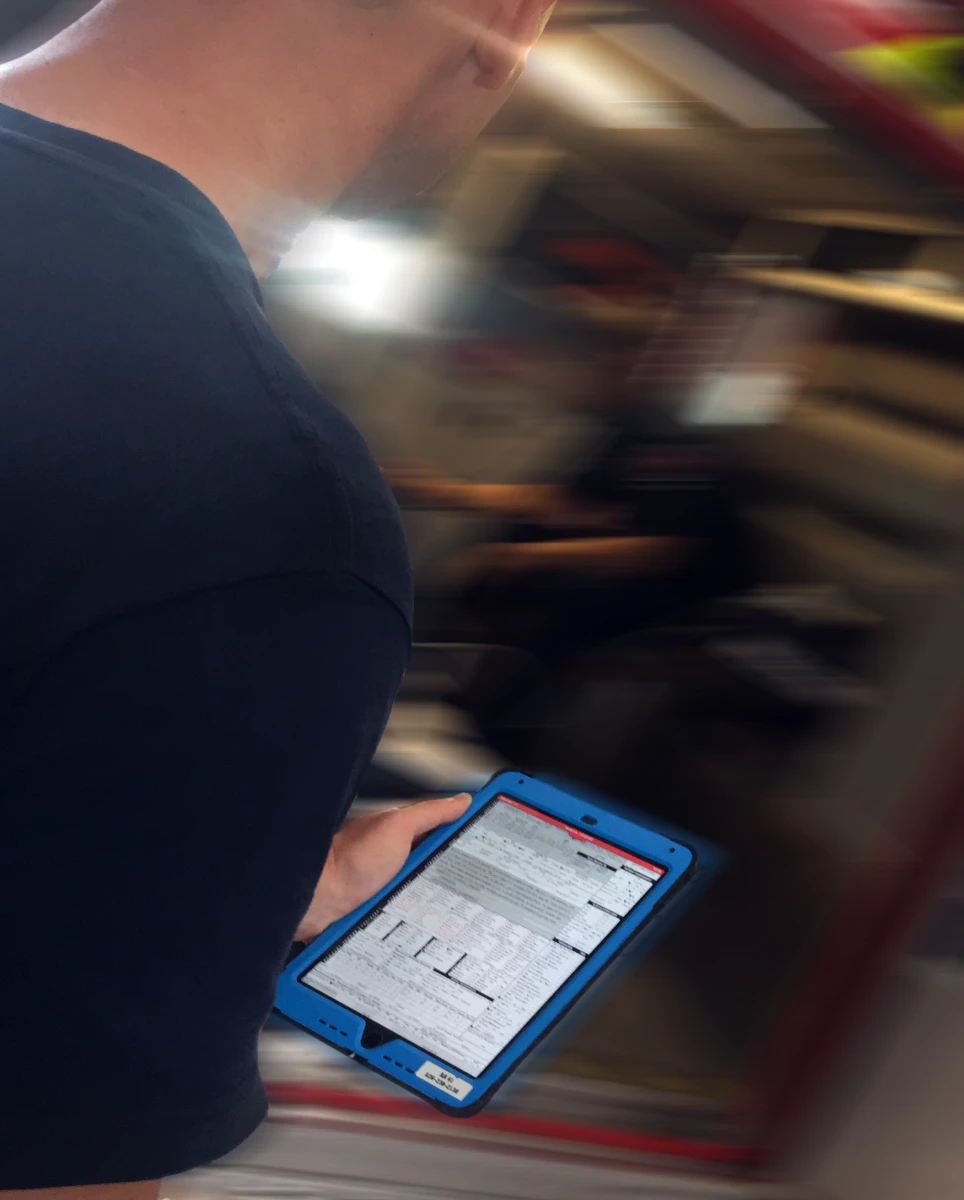
Because Medic Clipboard mirrors the paper PCR your crews already know, most agencies are field-ready after a single train-the-trainer session. Your designated trainers cascade it through A, B, and C shifts — we support them the whole way.
Real humans who know EMS answer the phone. Software support is included in your per-tag pricing — no support contracts, no tiers, no ticket-queue purgatory.
No proprietary hardware. Medic Clipboard runs on any modern iPad; we'll advise on models, rugged cases, and mounting that survive an apparatus cab and a 2 a.m. stairwell.
LTE, station Wi-Fi, or nothing at all — the app is built offline-first, so connectivity is an optimization, not a requirement. We'll help you design the sync strategy that fits your district.
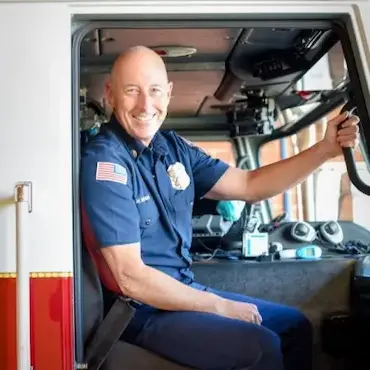
Digital EMS has been a solid, responsive and supportive partner — they listen to what our crews need and it shows up in the product.
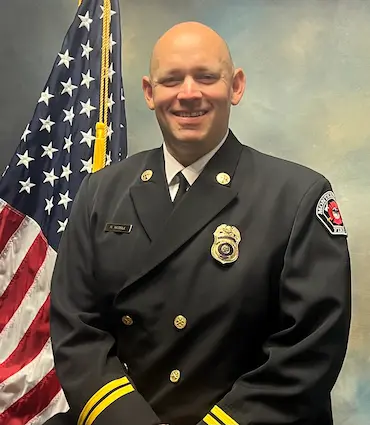
Medic Clipboard is revolutionizing efficiency by saving considerable time on every single report — our medics get back to being medics.
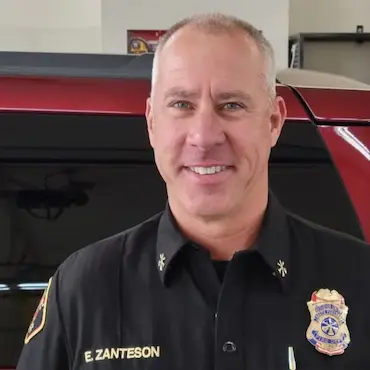
DigitalEMS customer service is unparalleled. When something matters to us, it matters to them — usually before we've finished explaining it.
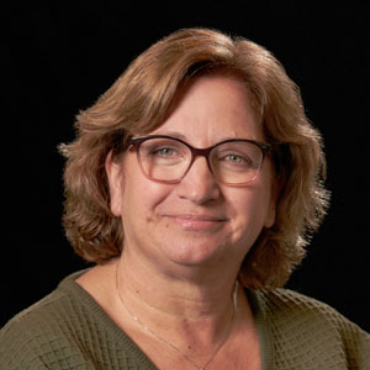
From a QA and continuing-education standpoint, the visibility this platform gives us has changed how we improve — data we can actually act on.
Tell us about your agency and we'll walk you through a live demo — the familiar standard form, your CAD, your protocols, your call volume.