Cardiac Monitor to ePCR Transfer: Field Fixes That Work
Cardiac monitor to ePCR transfer failing on scene? Learn why Bluetooth links drop, when cell relays stall, and a 5-step drill to get vitals and 12-leads moving.
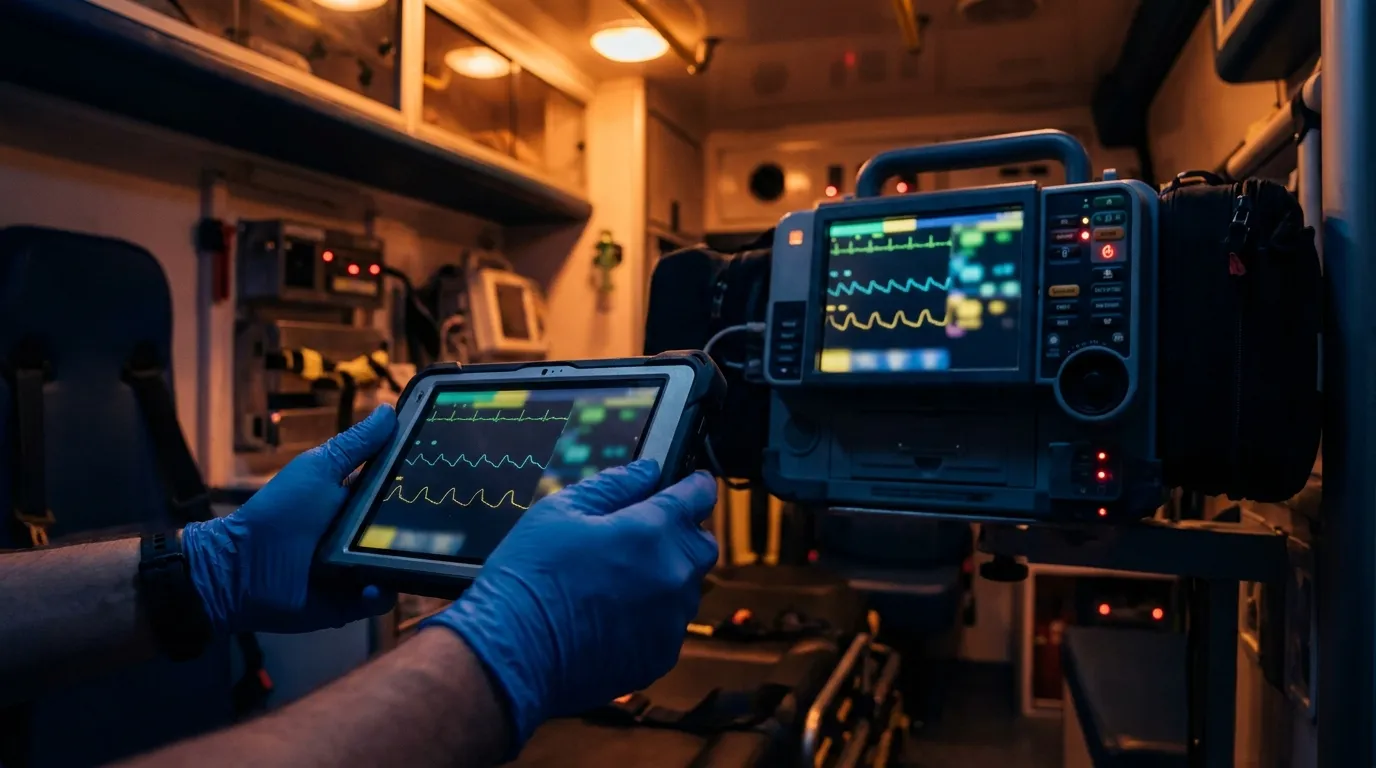
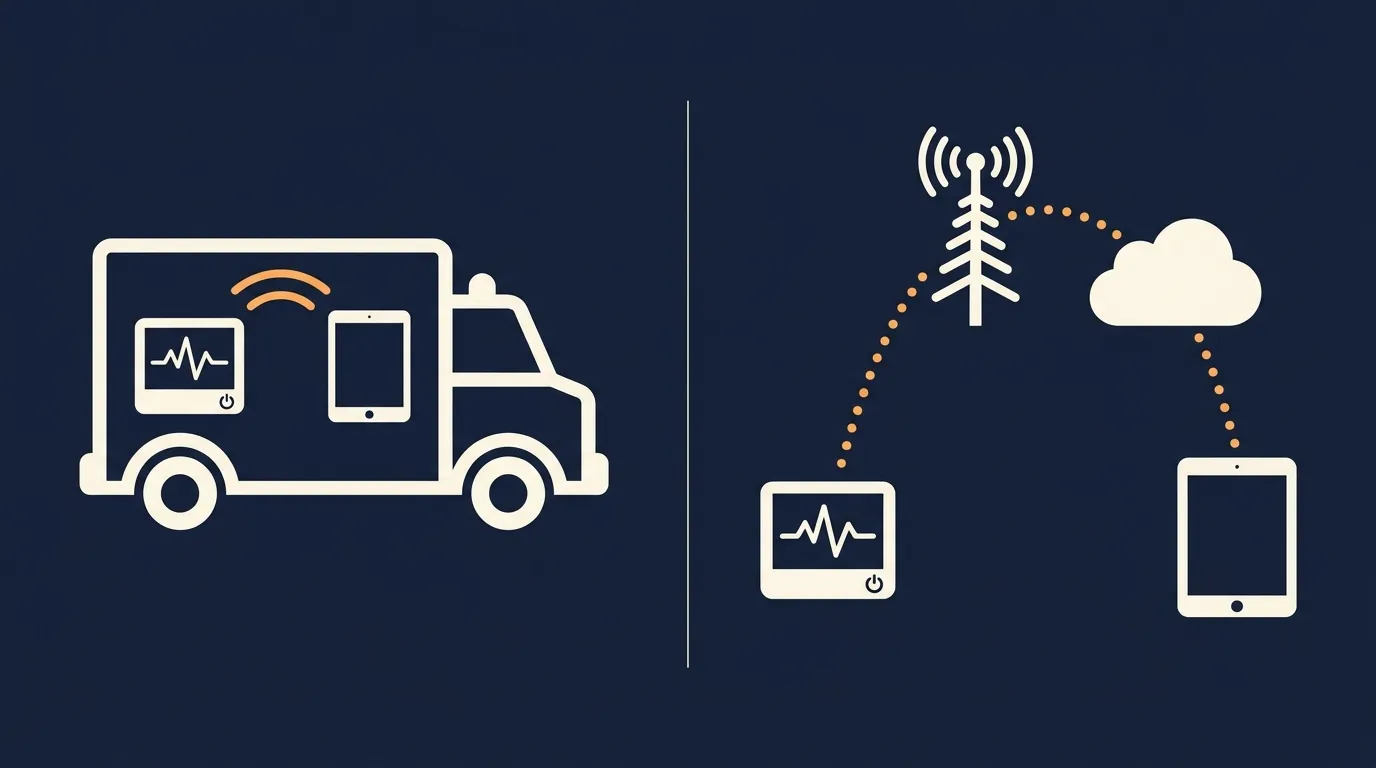
A cardiac monitor to ePCR transfer moves your vitals and 12-leads one of two ways: straight from the monitor to the tablet over Bluetooth or local Wi-Fi, or up through a cell modem to the cloud and back down to the chart. When it fails, it's usually radio noise breaking the local link or a dead zone stranding the cloud upload.
Everybody's had the 0300 call where the monitor did its job and the chart still sits empty. Now you're keying in vitals by hand from the trend screen while you're trying to package a sick patient. That's slow, and it's where transcription mistakes creep in.
The fix is mostly knowing how your gear talks to each other. Once you understand pairing, radio interference and your cable backup, you can clear most sync stalls in a minute or two.
How does cardiac monitor to ePCR transfer work?
There are really two kinds of hand-off. Some monitors send a running stream of readings. Others package the whole case, vitals, trends and 12-leads, into a file the tablet pulls in at once.
Older setups often use a Bluetooth link that behaves like an invisible cable: readings stream across as long as the connection holds. Walk the tablet away or lose the link and you can drop records mid-stream.
Newer setups use the monitor maker's connection software built into the ePCR app. The tablet asks the monitor for its data over Bluetooth or a short-range Wi-Fi link and pulls the case file straight into the chart.
The cloud route works differently. The monitor sends its file through a cell modem to the manufacturer's servers. From there an automatic data hand-off passes it to your ePCR system, and the tablet picks up the matching run.
Knowing which path your agency uses tells you where to look when a transfer fails. Is it the link in the rig, or the trip through the cell network? For a closer look at how the two major monitor families connect, see our ZOLL and LIFEPAK ingestion breakdown.
| What matters | Direct link in the rig | Cloud relay |
|---|---|---|
| How it connects | Bluetooth or short-range Wi-Fi | Cell modem in or attached to the monitor |
| Needs cell signal? | No, works in basements and garages | Yes, needs a live cell connection |
| How fast it shows up | Right at the patient's side | Depends on upload queues and cloud routing |
| Extra hardware | Uses the radios already in the tablet and monitor | Usually a data plan for each monitor |
| When signal drops | Data saves to the tablet | Data waits in the monitor until signal returns |
Why do Bluetooth monitor links drop mid-shift?
Bluetooth is what ties the tablet to the monitor across the bench. It's also the link most likely to quit at the worst moment. The usual suspects are radio noise, power spikes, the tablet's battery saver and old pairing records.
Start with your own radio. Bluetooth runs in the crowded 2.4 GHz band, and a high-power mobile radio keyed a few feet away can swamp it. If the link drops every time your partner calls in a report, that's your clue.
Power is next. Inverters, compressors and fans all draw on the vehicle's electrical system. If the link keeps dropping when something in the box kicks on, write down what it was and ask biomed or the monitor maker to take a look.
Then there's the tablet. Phones and tablets save battery by putting background connections to sleep. If the tablet sits idle on the bench during a long transport, it may quietly let the Bluetooth link go.
Old pairing records cause the rest. When crews swap tablets between units, the previous monitor's pairing stays saved. The two devices each expect a different handshake, so they never finish connecting and pairing turns into a guessing game.
Direct link or cloud relay: which survives dead zones?
A lot of our calls happen where cell signal doesn't. Basements, parking structures, big-box stores and rural valleys all eat signal, and a cloud relay can't do anything there.
The modem has to reach a tower to send its file. In a dead zone it can't, so the case sits in the monitor until you're back outside.
A direct link doesn't care about towers. The monitor and the tablet talk across the bench, and the data lands in the chart without any internet at all.
It can also be cheaper to run, since you're using the radios already built into your tablets instead of paying for a data line on every monitor. Check your own contracts before counting on that, though.
What happens after the data lands matters too. If the ePCR saves to the tablet itself, the record is safe even with no signal and uploads later. We cover that side in how offline ePCR charting really works.
What's the 5-step drill when the monitor won't send?
When the monitor won't send on scene, don't start tapping buttons at random. Run the same drill every time.
Step 1: Restart the tablet's Bluetooth
Skip the quick-toggle shortcut. Go into the tablet's settings, turn Bluetooth off, wait about ten seconds and turn it back on. That gives the radio a real restart.
Step 2: Clear old pairings
Still stuck? Forget the monitor on the tablet, delete the old tablet entry on the monitor, and pair them fresh. That clears the stale pairing records.
Step 3: Restart only the monitor's wireless
Never power down a monitor that's pacing or monitoring an unstable patient. Some models let you reset the wireless connection without turning the monitor off, but that varies, so ask biomed or check your manual before you need it. Patient care has to keep running.
Step 4: Send the case by hand
Automatic sync can stall when the send queue backs up. Go into the monitor's transmit menu and pick the specific 12-lead or vitals set you need, then push it to the tablet manually.
Step 5: Plug in the backup cable
If radio noise won't let up, go wired. Many crews keep an approved data cable in the monitor bag for exactly this. Plug in and pull the case across, or export the run to a USB drive per your agency's policy.
That drill clears most sync stalls on the street, whatever monitor you're running. If your times look off after the import, the monitor clock may be the problem; see fixing CAD and monitor clock mismatches.
Why don't photos of a 12-lead hold up in QA?
On a busy call, it's tempting to snap a phone picture of the monitor screen or paste a low-res image into the chart. It feels like documentation. It doesn't hold up well clinically or in chart review.
A photo turns the tracing into a grid of pixels. Glare from the dome lights and a scratched screen cover make it worse. Subtle ST changes can disappear into the blur.
A proper digital import carries the actual tracing data from the monitor. The software redraws it sharp on a true ECG grid, so a reviewer can zoom in and use electronic calipers to measure PR, QRS and QT intervals accurately.
That's what your medical director and QA team need to confirm a STEMI call or catch a missed one. Clean digital data also fills the chart fields your state submits through NEMSIS, which keeps cardiac registry reporting and billing cleaner. More on reviewing these charts fairly in our guide to building fair chart audits.
What does a garage STEMI call look like?
Frequently asked questions
Can you transfer monitor data to an ePCR tablet with a cable?
Yes, many monitors support a wired transfer with an approved data or USB cable. Check what your model and ePCR support. A cable is a reliable fallback when radio noise keeps knocking out Bluetooth.
How do you stop pairing conflicts when two crews share a call?
Conflicts happen when more than one tablet tries to connect to the same monitor. Give each tablet a clear, unique name, tie monitor pairings to specific units where you can, and keep the second tablet from searching for devices until care is handed over.
Does importing monitor data notify the cath lab?
No. Pulling data into your chart doesn't tell the hospital anything. Cath lab activation still needs a transmission to the hospital's ECG system or a radio or phone report, per your local protocol. Always confirm the hospital got it.
Can an agency swap the SIM card in a monitor's modem?
Sometimes, but check first. Changing carriers often needs the manufacturer's setup tools and specific network settings, and opening the modem yourself may affect your service contract. Talk to your biomed team and the vendor before you touch it.
Does staying paired drain the monitor battery on long transports?
Local Bluetooth and Wi-Fi links are fairly light on power. A cell modem hunting for signal in weak coverage tends to draw more. Keeping the monitor on its vehicle mount and charger takes most of the worry out of it.
If you're weighing how an ePCR handles monitor imports, offline saves and hand-offs, take a look at what Mobile Medic includes.