How to Choose ePCR Software Without Hidden Costs
How to choose ePCR software without surprise fees: compare per-tag, per-seat, and per-device pricing, spot contract add-ons, and run real street tests first.
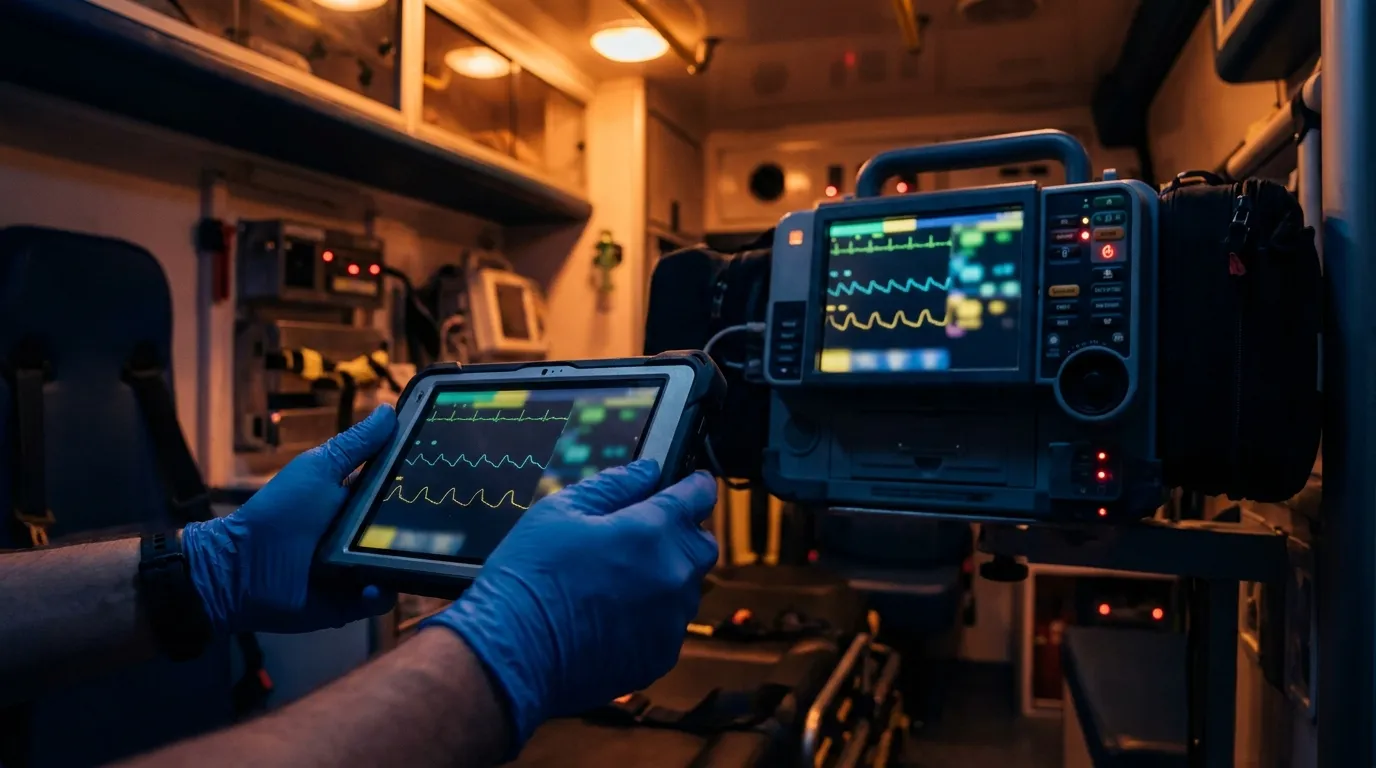
If you're trying to figure out how to choose ePCR software without getting burned on hidden costs, start with the pricing model. Per-seat plans bill for every named user, per-device plans bill for every tablet, and per-tag plans bill only for completed patient charts. After that, look hard at what the base quote leaves out: CAD, monitor, and billing connections are where the surprises usually live.
Every demo looks good in a quiet conference room. The trouble shows up in year two, when separate invoices arrive for the dispatch feed, the monitor imports, and the extra logins you didn't know you'd need. If you run a few hundred calls a year with a big volunteer roster, paying a seat for every name on that roster adds up fast.
So the real question is ownership cost over the life of the contract: what's bundled, what hardware it runs on, and what it costs to leave. Here's how officers can evaluate charting software, catch contract traps, and test tablets the way crews will actually use them.
How does ePCR software pricing actually work?
Most EMS charting vendors charge in one of three ways, and each one treats your roster and your trucks differently.
Per-seat pricing charges a flat fee for each user account. That works for a private service with full-time crews on fixed shifts. It's rough on volunteer squads. If 30 part-time EMTs each pull two shifts a month, you're still paying a full year for all 30 names.
Per-device pricing ties licenses to the tablets on your rigs. When a tablet dies at 0200 and the spare isn't licensed, the crew is stuck. It also means paying for reserve rigs that barely turn a wheel.
Per-tag pricing bills only for completed patient charts. Nobody pays for logins or tablets, so you can put a device on every rig and give every member an account. The bill follows your call volume. We walk through that math in more detail in why per-tag pricing works for many agencies.
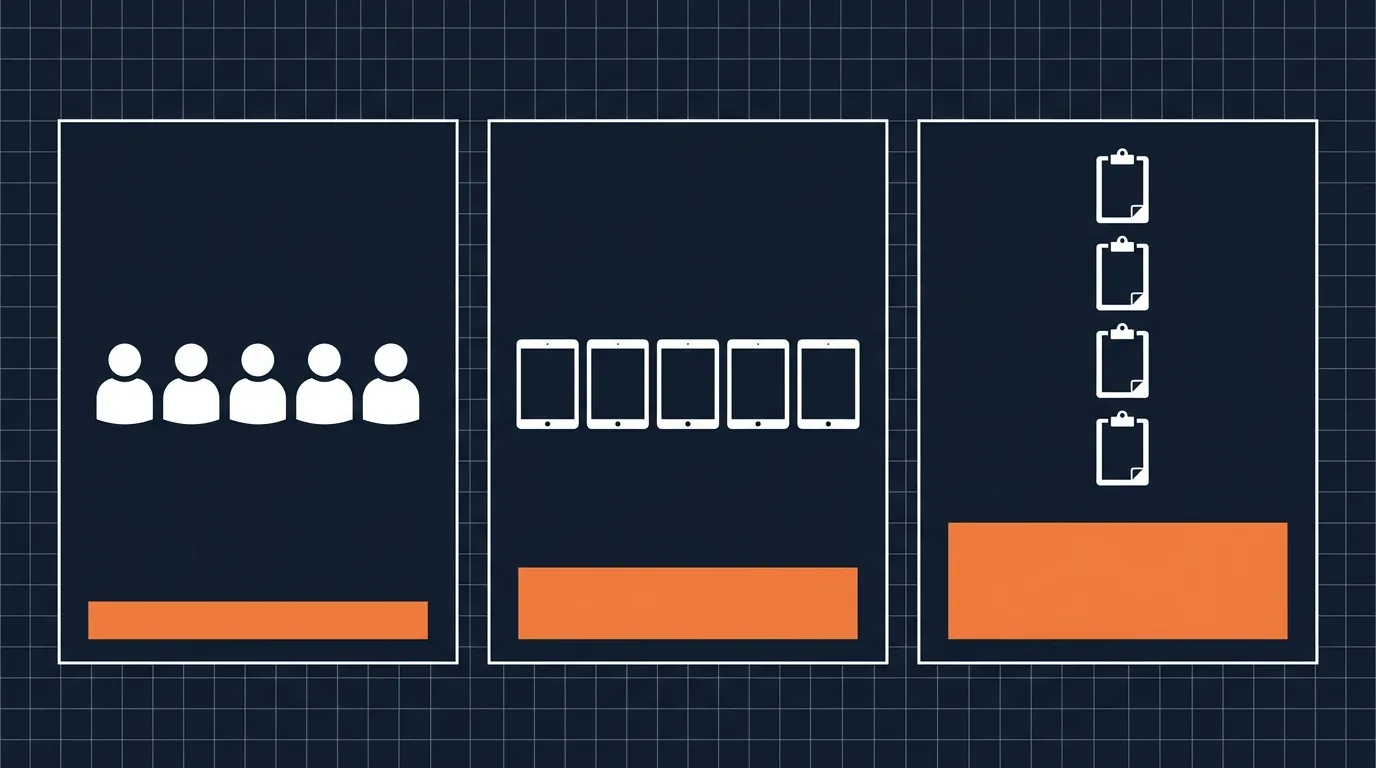
When calls drop off, the software bill drops with them. When volume climbs, the extra cost tracks the extra runs, which usually means extra transport revenue too.
| Pricing model | Best fit | Budget risk | Fleet impact |
|---|---|---|---|
| Per-seat | Private services with full-time crews | Expensive for part-time and volunteer staff | Roster changes need admin tickets |
| Per-device | Fixed fleets with no spare tablets | Spares and reserve rigs need paid licenses | Swapping a dead tablet slows the crew down |
| Per-tag (per-run) | 911 fire-EMS, volunteer squads, combination agencies | Busy months mean bigger invoices | Unlimited devices and user accounts |
Which hidden contract fees should you look for?
A first quote for ePCR software often looks reasonable. The surprises are in the fine print. Ask about these five before anyone signs.
1. CAD dispatch integration
Nobody should be retyping dispatch times, addresses, or unit numbers. A good CAD link pulls them into the run sheet. Some vendors price that link as an add-on with its own setup charge and yearly maintenance, while others bundle or waive it. Get it in writing either way.
2. Cardiac monitor imports
Pulling vitals, 12-leads, and shock events straight into the chart saves real time at the hospital. Some contracts charge per monitor, so ask how pricing changes when you add a unit. If you're already fighting import problems, see our notes on cardiac monitor to ePCR transfer fixes.
3. Billing export connectors
Your billing service needs clean NEMSIS export files to submit claims. Watch for recurring fees on custom export formats or secure file transfer links. Routine billing shouldn't come with a toll.
4. Mandatory training packages
Crews need hands-on training to chart quickly. Some vendors require pricey onboarding packages with travel for their own staff. A train-the-trainer approach usually works better: shift officers learn the system once, then teach their crews at the station table.
5. Auto-renewal and price escalators
Read the renewal section twice. Look for built-in annual rate increases, long written-notice windows for cancellation, and auto-renewal into another multi-year term. Miss a notice deadline and you may be locked in for another cycle.
Rugged laptops or off-the-shelf tablets?
Years ago, departments bought expensive rugged laptops in heavy cases. They were tough, sure. They were also heavy, hard to read in daylight, short on battery, and costly to repair.
These days a lot of EMS electronic patient care reporting runs on standard consumer tablets like the iPad.
Put a consumer tablet in a good drop case with a hand strap and you get solid protection for a lot less money. If an EMT cracks a screen, you can usually replace the device locally the same day. A custom rugged unit often has to ship back to a repair depot, and the truck runs without it until it comes home. Standard tablets also fit common cab docks that mount on the dash without blocking the officer's view.
How should your crews test ePCR software before you sign?
Don't pick software off a presentation to the chiefs. The best ePCR software for EMS proves itself on the street, in bad weather, at bad hours. Put test tablets in the hands of your line medics and have them run these four tests before anyone scores the bids.
The nitrile glove test
Glove up and get your hands a little sweaty. Open a chart, tap checkboxes, enter vitals, and sign the screen. If the buttons are tiny or the menus need precise finger work, your crews will fight it on every call. You want big tap targets and a fast signature box.
The dark cab test
Take the tablet into a dark cab at night and switch between day and night modes. If the screen lights up the cab while your partner charts vitals en route, that's a problem for the driver. The display needs to stay readable without wrecking anyone's night vision.
The basement dead-zone test
Head down into a concrete basement with no signal. Start a run sheet, enter vitals, and write a narrative. Good offline charting saves your work on the tablet as you go and doesn't freeze when the signal drops. For what's happening behind the scenes, read how offline ePCR sync really works.
The crash recovery test
Start a mock cardiac arrest chart with three shocks, two rounds of epi, and an advanced airway. Mid-entry, power the tablet off hard. Turn it back on and reopen the chart. Every vital and timestamp you entered should still be there.
Who owns your patient care data when you leave?
Your agency creates the patient care records. Your agency should own them, period.
Some agreements treat your clinical records like the vendor's property, and leaving can come with a fee just to get your historical run sheets back in a usable format. Settle this before you sign. Ask for:
- Free export rights: You can export full NEMSIS XML files, attachments, and PDF run sheets at any time without a vendor fee.
- Direct data access: The vendor gives you a way to download and back up your own records to local or cloud storage.
- Readable PDF archives: The system produces clean PDF copies of every chart, including signatures, scene photos, and monitor strips.
- Clear custodian language: The contract says the vendor acts only as a custodian and claims no ownership of patient records.
What does a hidden-fee contract look like in practice?
What belongs in an ePCR software RFP checklist?
A solid ePCR software RFP template protects both your budget and your crews. When the committee reviews bids, score total value with something like this. Adjust the weights to fit your agency.
| Category | Key bid requirements | Suggested weight |
|---|---|---|
| Pricing transparency | No seat or device fees, CAD and monitor links included, no extra billing export fees | 25% |
| Field usability | Big buttons, fast narrative entry, clean signatures, works with gloves and in a dark cab | 25% |
| Offline reliability | Saves locally, no data loss when the signal drops, syncs on its own when the connection returns | 20% |
| Hardware flexibility | Runs on standard consumer tablets, no required custom laptops or repair depots | 15% |
| Data ownership | Full NEMSIS XML exports, agency owns the records, no exit fees | 15% |
Require every bidder to submit a line-item price sheet covering setup, yearly fees, and every possible add-on. If a vendor leaves CAD links or billing exports blank, or marks them "custom quote," score that bid down.
Frequently asked questions
What's the difference between per-tag and per-seat ePCR pricing?
Per-seat pricing charges a yearly fee for every person on your roster, which makes volunteers and part-timers expensive to carry. Per-tag pricing charges only for completed patient charts, so you can have unlimited crew logins and put tablets on every rig.
Can an EMS agency use consumer tablets instead of rugged laptops?
Yes. Many agencies run standard tablets in drop-rated cases. They're light on calls and easy to replace locally when a screen breaks. Check the case's drop rating and your cab mounting before you buy.
How long does an ePCR rollout usually take?
It depends on your size, your CAD and billing connections, and your state's reporting setup. A focused train-the-trainer plan helps a lot. Ask each vendor for a written timeline and references from agencies your size.
What happens to our old run sheets if we switch vendors?
Your contract should say that completed charts, signatures, attachments, and NEMSIS XML files stay agency property. Make sure it includes free data exports so you can archive everything without an exit fee.
Does NEMSIS compliance mean our state will accept our charts?
Not by itself. NEMSIS compliance shows the software meets the national data standard, but states add their own validation rules and custom elements. Your vendor has to support your state's rules so reports go through without rejections. Our NEMSIS 3.5.1 field prep guide covers what to check.
If you want to see how a per-tag model lays out with no seat or device charges, take a look at our pricing.