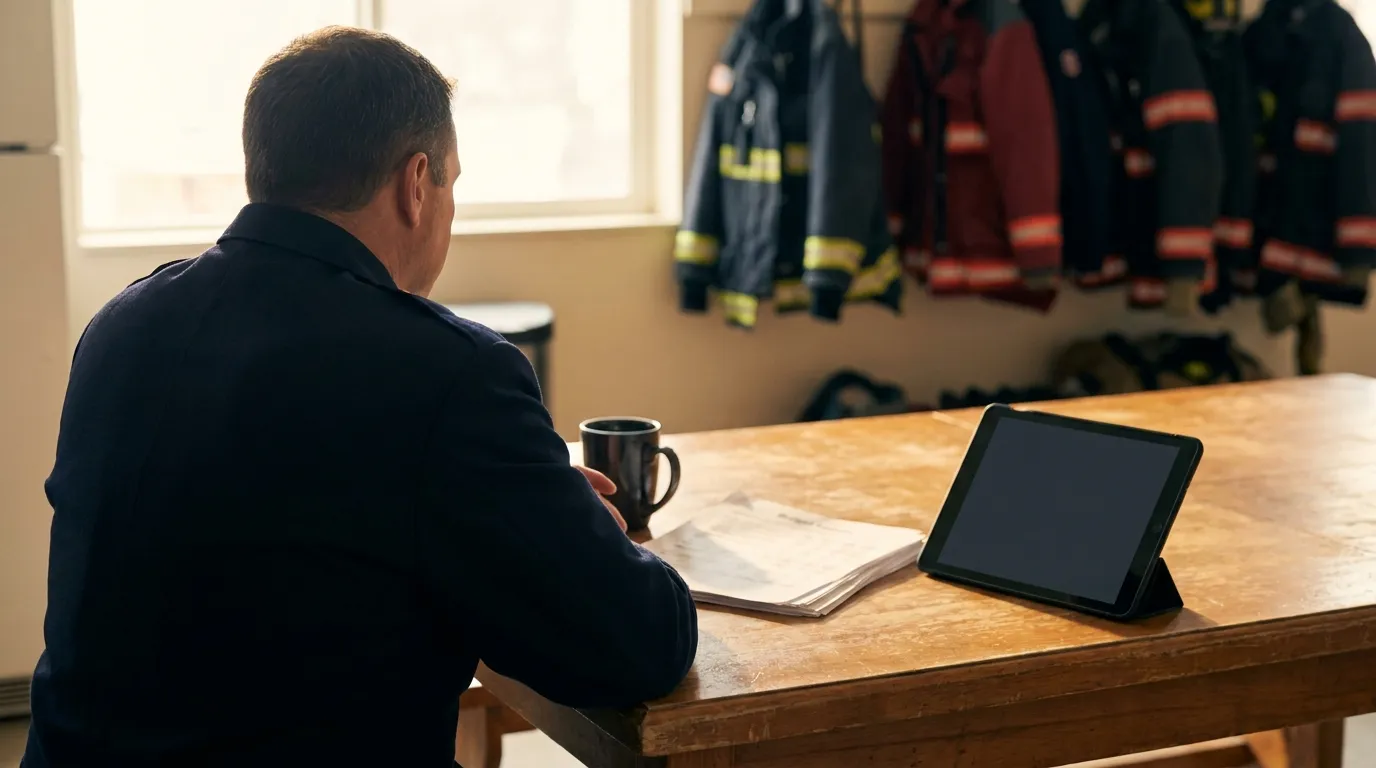
MedsAI Bedside Medication Scanner: How It Works
How the MedsAI bedside medication scanner turns a nightstand full of pill bottles into a checked med list on the iPad, with the medic approving every entry.
The MedsAI bedside medication scanner lets a medic photograph a patient's pill bottles or printed med list with the iPad camera and get back a draft medication list: drug name, generic name, drug class and dose schedule. Nothing lands on the chart until the medic looks it over and confirms it. You get the speed of a camera without giving up the final say.
Why is typing a home med list so painful on scene?
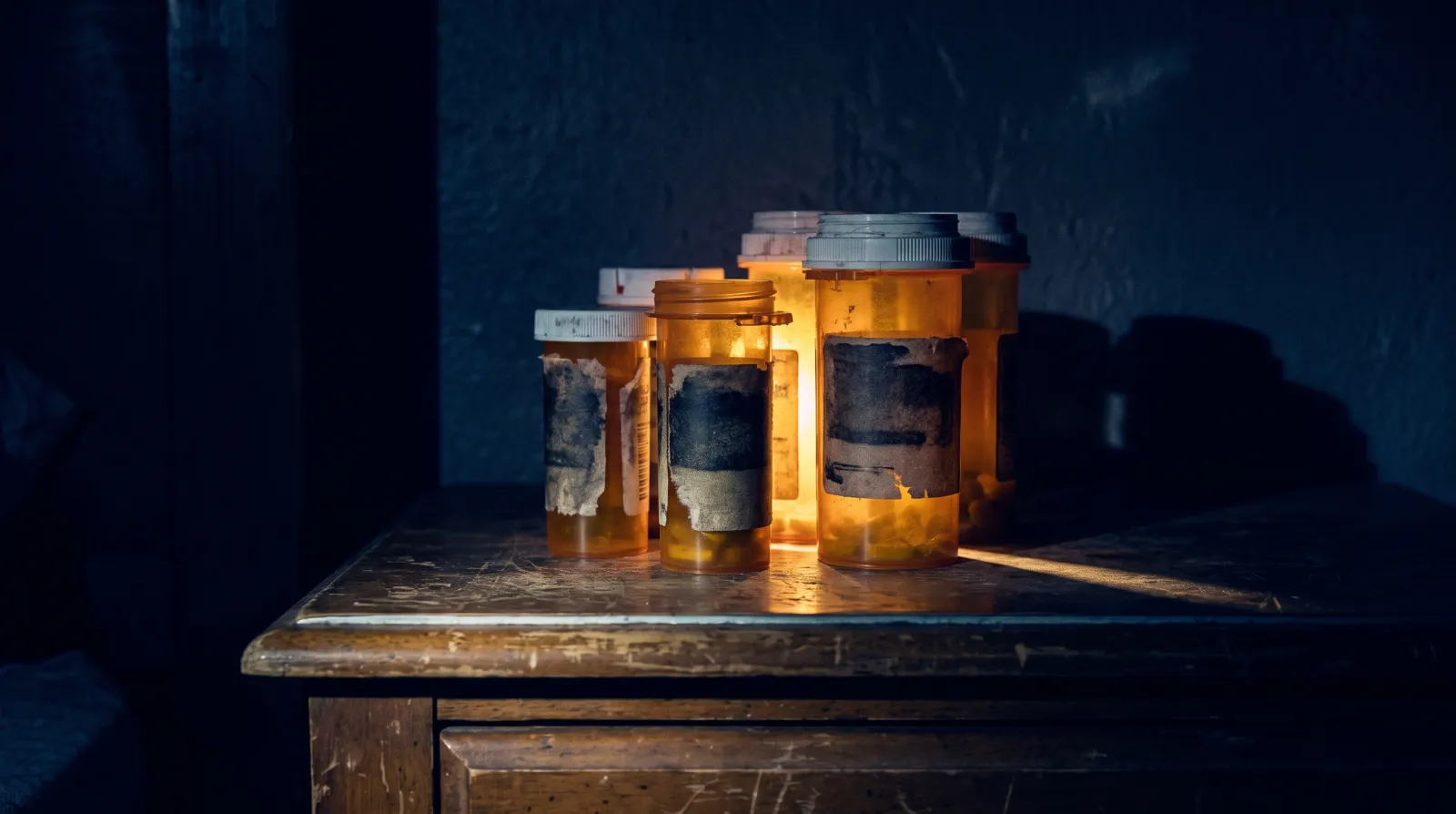
Everybody who's worked nights knows this call. You walk into a dark bedroom for a dizzy older patient, and the family points at a nightstand with a dozen amber bottles on it.
Some labels are rubbed half off from riding around in a pocket. One has a torn sticker. Three come from different pharmacies, so the same drug shows up under a brand name on one bottle and a generic on another.
Now try typing all of that on glass with nitrile gloves on. The gloves drag on the screen, autocorrect has opinions, and sound-alike names like clonidine and clonazepam are an easy slip when you're tired. ISMP keeps a whole list of drug names that get confused this way.
The bigger problem is what you're not doing while you type. You're not watching the monitor, and you're not helping your partner. So bottles get skipped, doses get left blank, and the ED gets a med list with holes in it. A missed blood thinner or beta-blocker can change what the receiving physician does next.
How does MedsAI read the bottles?
In Mobile Medic, you open the medications section of the Medic Clipboard chart and tap scan. The camera opens right inside the chart, so you're not bouncing between apps.
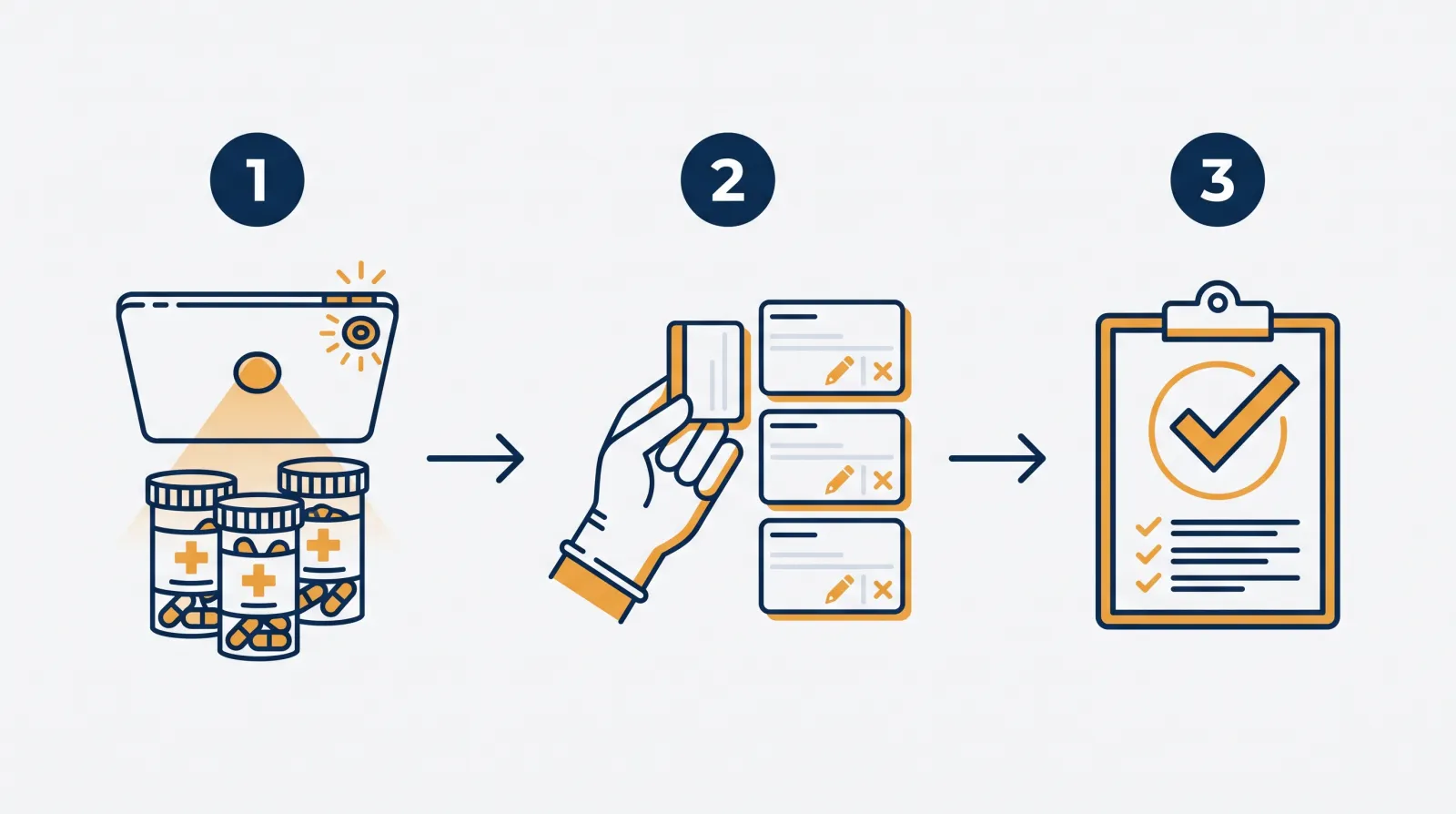
Hold the iPad over the bottles and take the picture. You can go bottle by bottle, or fit several bottles in one frame as long as each label is readable.
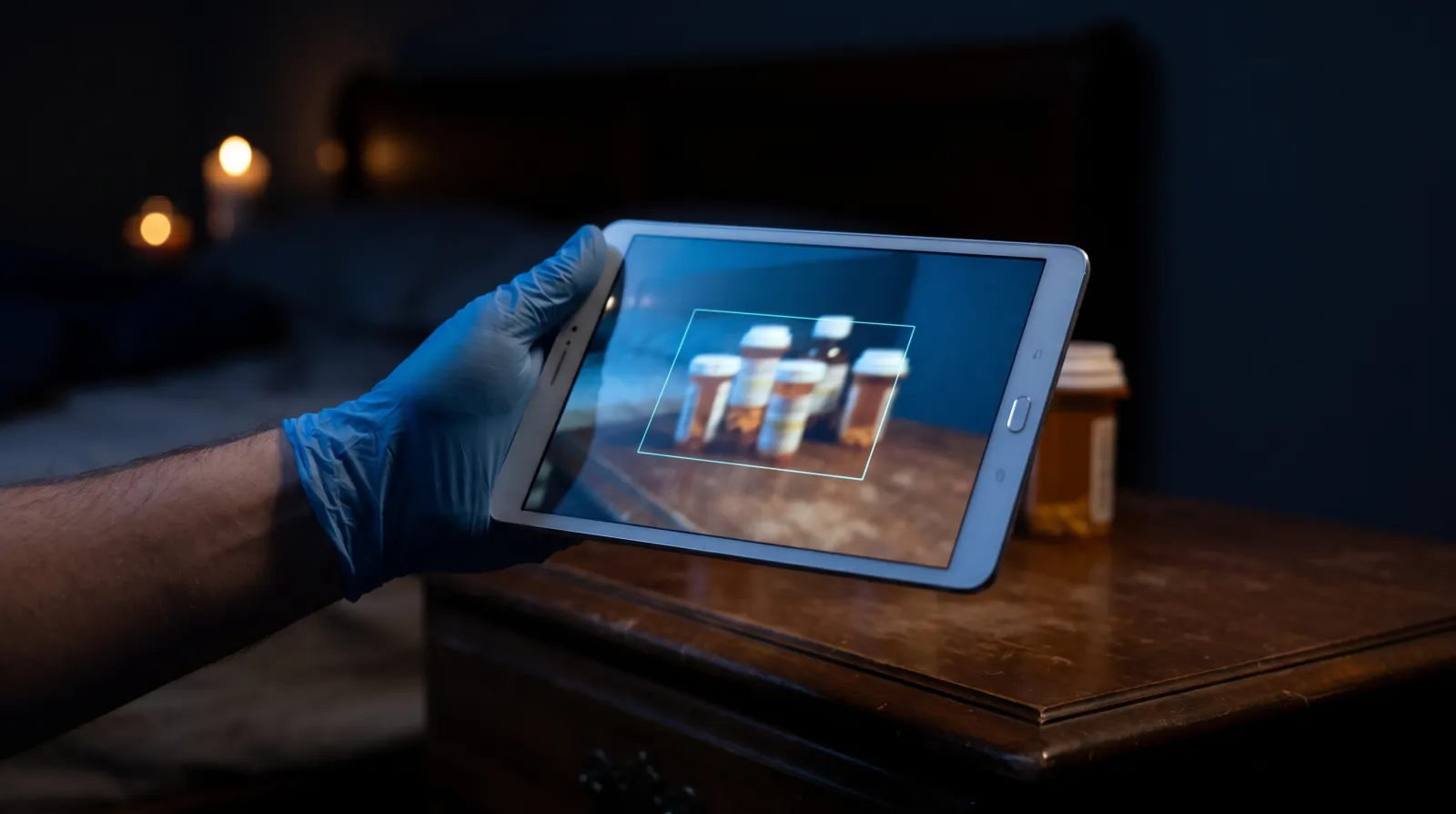
The photo is sent off for text recognition, and what comes back isn't a wall of raw label text. It's sorted into the pieces you'd chart anyway: brand name, generic name, drug class and dose schedule, laid out as separate rows.
It works on paper too. The same intake approach reads printed med lists, clinic printouts and hospital face sheets, which helps a lot on interfacility transfers and nursing home calls. If the list is handwritten, check every entry closely against the page, or just type it in.
If you've been burned by AI marketing before, that's fair. We wrote about where these tools actually help crews in AI in EMS: field tools vs hype.
Why does the medic approve every scanned med?
A scanner should save you typing. It shouldn't make the call for you. That's the rule MedsAI is built around.
After a scan, each medication shows up as a suggested entry you can review. You compare each one to the actual bottle in your hand. If a worn label got read as 25 mg and the bottle says 12.5 mg, you fix it. If the bottle belonged to the patient's late spouse, you remove it.
Nothing goes into the saved chart until you confirm it. That keeps bad reads out of the hospital's hands and keeps the clinical call where it belongs, with the crew on scene.
What does the record show QA and billing later?
A fast chart only helps if the agency can stand behind it later. Mobile Medic logs each MedsAI scan, including the photo and what the scanner suggested, and the chart itself holds only what the medic confirmed.
For a QA reviewer, that answers a common question in a chart audit: did this med list come from the bottles, or from memory at the end of the shift? If you're building a review process around that kind of detail, our guide to fair chart audits in EMS QA/QI goes further.
A clean, complete home med list also gives billing reviewers a clearer picture of the patient you actually treated.
MedsAI isn't an add-on. It's included in Mobile Medic's per-tag price along with the other AI tools, with no extra charge for medication scanning or document intake. The per-tag pricing breakdown explains how that works.
How does manual entry compare with scanning?
| What you're doing | Typing on the tablet | MedsAI scan |
|---|---|---|
| Entering a long home med list | One name at a time, gloves on | A few photos, then review |
| Sound-alike drug names | Easy to mistype or autocorrect | Read from the label, then checked by the medic |
| Drug class | Look it up or leave it blank | Suggested with each entry |
| Dim bedroom lighting | Hard to read labels and keys | Camera captures the label for review |
| Who decides what's charted | The medic | Still the medic |
The time you don't spend typing goes back to the patient: the airway, the IV, the conversation with the family.
What does that look like on a real call?
Frequently asked questions
What happens with torn or curved bottle labels?
The scanner does its best with whatever's readable on the label, but a damaged label can still produce a wrong or partial read. That's exactly why every entry stops at the review step. Check it against the bottle, correct it, or type it in yourself.
Can it pick up over-the-counter meds and supplements?
It reads what's printed on the label, so over-the-counter products and supplements can show up alongside prescriptions. Check them like any other entry, and ask the family about anything that isn't in a bottle. The ED gets a fuller picture when those are on the list.
Does using AI scanning increase liability for the medic?
The design keeps the medic in charge: unconfirmed entries never reach the saved chart, and the medic reviews each one. Your agency's medical director and legal counsel should still set the policy for how crews use it.
Does scanning work with no cell signal?
Mobile Medic charting works fully offline, but reading a photo needs a connection at the moment you take it. Scans aren't saved to process later, so with no signal, chart meds by hand or scan again once you have coverage. Our post on offline-first ePCR architecture explains how the rest of the chart handles dead zones.
Does MedsAI map meds to standard drug codes for NEMSIS?
Not on its own. Confirmed medications land in the chart as text, the same as if you'd typed them, and they aren't matched to standard drug codes automatically. Follow your agency's usual process for home meds in state reporting.
Want to see it work?
There's a short MedsAI demo on our home page. Try the bottle scan and see how the review step feels before you put it in front of your crews.