Offline-First ePCR Architecture: Charting With No Signal
How an offline-first ePCR architecture keeps your chart safe in dead zones: it saves on the iPad as you go and uploads in the background when signal returns.

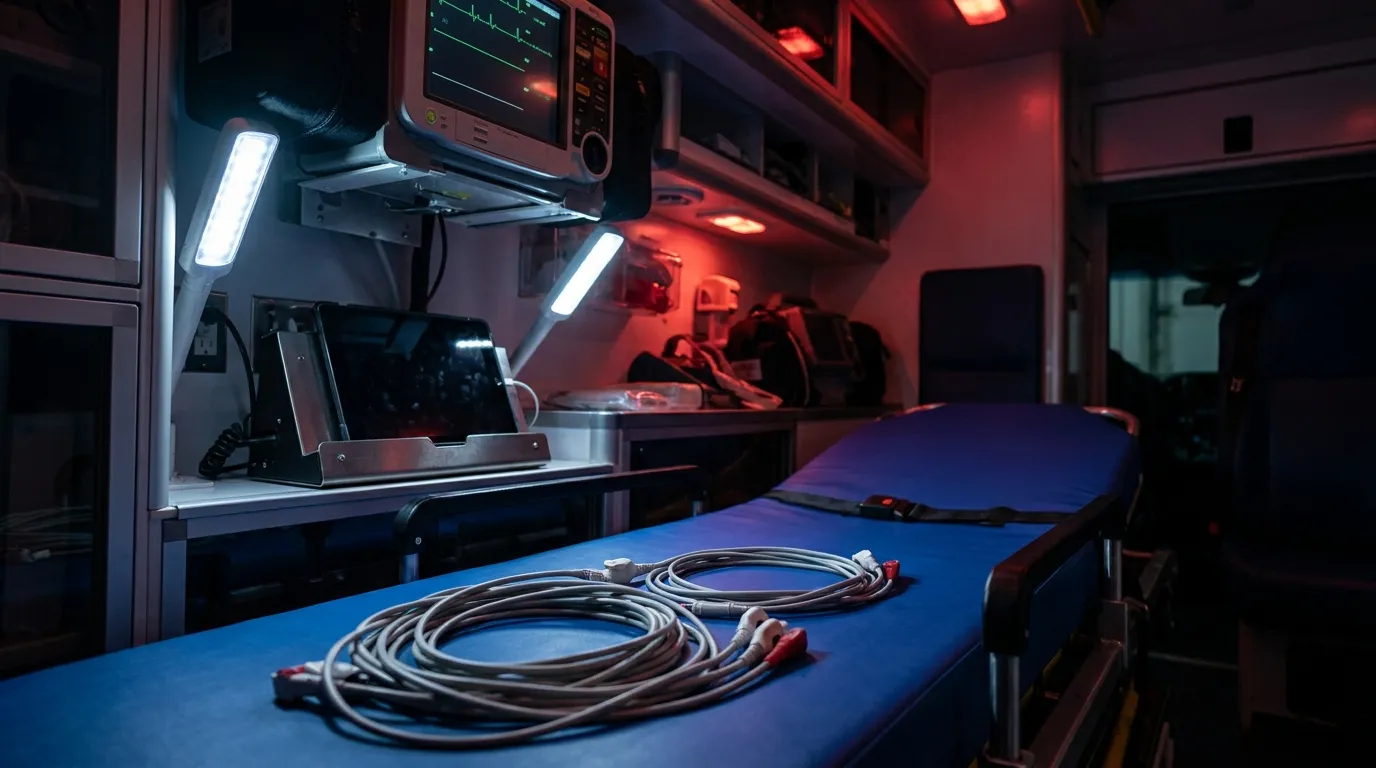
You're twenty minutes into a call in a basement, the cell bars are gone, and you tap save. With an offline-first ePCR architecture, nothing bad happens: the chart already lives on the iPad, and it uploads on its own once you're back in signal. That's how Mobile Medic is built, so a dead zone doesn't get a vote on your run report.
Plenty of medics have watched a spinning wheel eat a chart at least once. You punch in vitals, meds and a narrative, the app waits on a server that can't hear it, and you end up retyping from memory at the hospital. That slows the handoff, and it costs you accuracy when the details matter most.
The fix is to treat the iPad, not the server, as the place the chart lives first. You chart with no connection at all. The upload happens later, in the background, without you babysitting it.
Why do some ePCRs stall in basements and elevators?
A lot of charting software was designed around a steady connection. That made sense on a station desktop. It makes less sense on a tablet that rides in an ambulance.
When an app needs to check in with a server to save, load a list or run a check, every one of those steps depends on signal. Step into an elevator, a parking structure or a metal-sided trailer and those requests just hang. Depending on how the app is built, you might get a frozen screen, a lost draft or an error you don't have time to read.
You can't plan your calls around cell coverage. Concrete high-rises, rural canyons and hospital sub-basements are part of the job. If the app needs the internet to hold onto what you typed, it's going to let you down on the hard calls.
How does offline-first ePCR architecture protect a chart?
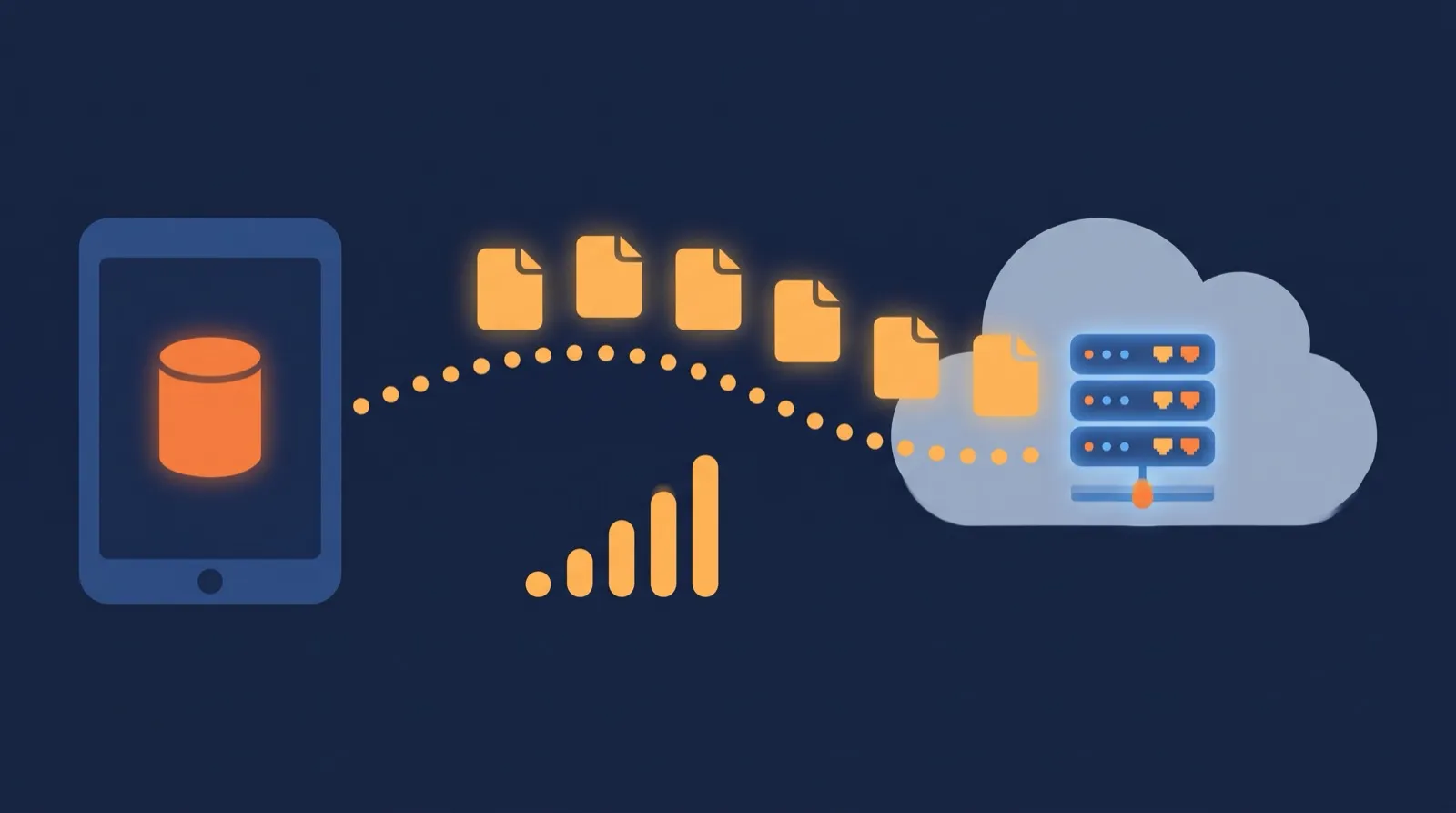
Mobile Medic runs as an app on a standard iPad and stores each incident in storage on the device itself. Entries save locally as you chart, so there's no waiting on a tower to confirm anything.
Because the work happens on the iPad, the screen stays responsive. Picking a drug dose, adding a vital set or writing narrative feels the same in a dead zone as it does in quarters.
Run numbers are handled on the device too. You can't call dispatch for a number from the bottom of a canyon, so the app creates incident numbers locally using rules that keep them unique by day and device. You can run back-to-back calls all night without duplicate run IDs.
Reference lists come along for the ride. Drug lists, receiving facilities, form templates and protocol references are stored on the iPad and refreshed when it syncs. Dropdowns, calculations and validation checks still work with no bars. That's what we mean when we say Mobile Medic is internet independent on shift.
How do charts upload without holding up the crew?
Saving locally keeps the chart safe on scene. It still has to reach the office, the billing team and eventually the state. That's the job of the background upload.
The app keeps track of any chart that's new or changed and hasn't been uploaded yet. When the iPad picks up cell signal or station Wi-Fi, it sends those charts in the background. You don't sit at the ambulance bay doors watching a progress bar. You finish care, collect signatures on glass and move on.
If signal drops halfway through an upload, the app simply tries again later. Your next call isn't blocked while it waits. For a closer look at how syncing and conflicts work in general, see our guide on how offline ePCR sync really works.
Charts can also move between rigs. With Remote Handoff, an engine crew can start a chart on scene and send the open file to the transport unit, which keeps charting where they left off. That transfer goes over the internet, so both iPads need a connection when it's sent and received. We cover the details in dual-crew remote handoff and merge.
What happens if the iPad dies or breaks on scene?
Tablets get dropped on wet pavement, left on the bumper and run flat during long extrications. Your charting has to survive that.
Each section saves to the iPad as soon as you save it, so a dead battery doesn't wipe out the work you've already saved. Plug it back in, open the app, and the chart is waiting in your unfinished charts.
What if the tablet gets crushed? Drafts upload in the background whenever there's signal, so anything that synced before the damage isn't lost with the glass. Grab another department iPad, log in, and pull the chart back up. Anything you entered after the last successful upload, while still out of signal, lived only on the broken device, which is one more reason to dock and sync between calls.
How should we plan docks, Wi-Fi and cellular sync?
You don't need a custom network to run offline-first. You do need a few simple habits and some planning up front.
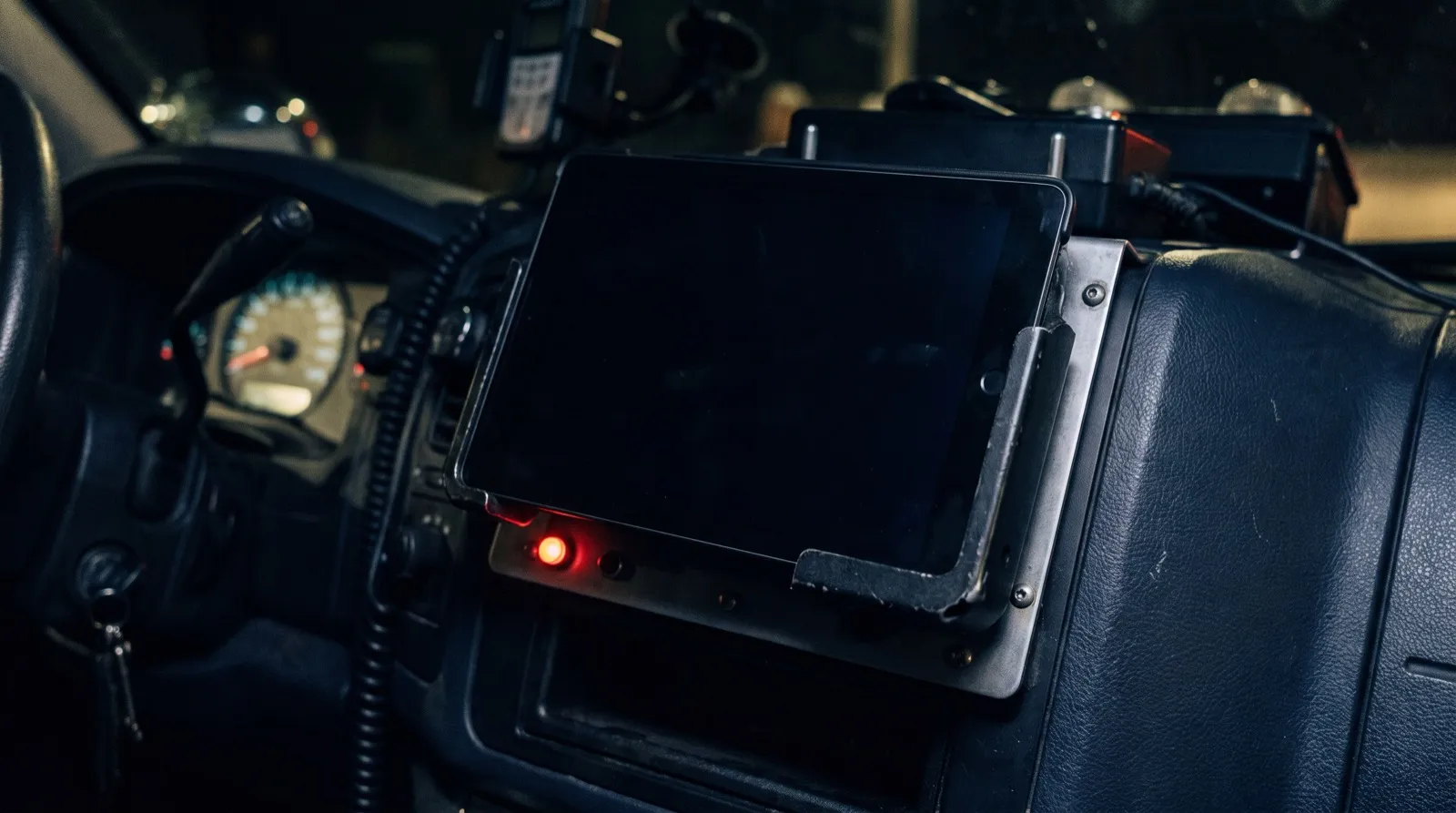
Put charging docks in the apparatus cabs and drop the iPad in after every call. That keeps it charged, and if the rig has a mobile router or the iPad has a cellular plan, it can sync on the way back.
Station Wi-Fi is your backstop. When the rig backs into quarters, the iPad joins the network and any waiting charts, photos and drafts go up. Digital EMS also helps agencies work out a sync plan, whether rigs use mobile routers, station access points or cellular data.
How does a server-first ePCR compare to offline-first?
Here's how the two approaches tend to behave in the field.
| Field situation | ePCR that depends on a connection | Offline-first ePCR |
|---|---|---|
| Signal drops on scene | Saves and lookups can stall | Keeps working normally |
| When an entry is saved | After the server responds | On the iPad, no server needed |
| Battery dies mid-chart | Unsent work may be lost | Draft is still on the iPad |
| Getting the chart uploaded | Crew may wait on a progress bar | Uploads in the background |
| Required-field checks | May need a connection | Run on the iPad |
There's a practical angle too. An app that does its work locally only needs the connection for the upload itself, not every time you tap a field.
What does this look like on a real call?
Frequently asked questions
Can medics see CAD data if signal drops before arrival?
Medics pull CAD data into the chart on command, and nothing overwrites what they've already typed without their say. Once you've pulled dispatch details into the chart, they're saved on the iPad with the rest of it and stay put when signal drops. Pulling CAD data in the first place needs a connection, so grab it en route if you can.
Can a crew chart for days without a connection?
Charting, run numbers and validation all work on the iPad without checking in with the cloud, and stored charts upload once the unit is back in range. If your team works long stretches off the grid, such as wilderness or disaster deployments, talk with us about planning for it before you deploy.
Does the background upload drain the battery on long shifts?
The upload uses the iPad's standard background tools and checks for a connection before it tries, so it isn't hammering away in a dead zone. On long shifts, docking the iPad between calls is still a good habit.
What if two crews chart the same patient on different iPads?
That's what Download and Merge is for. One responder can record vitals and treatments at the patient's side while a partner gathers demographics and insurance. The transport crew then downloads and merges both records into one chart without overwriting existing notes.
Can crews check NEMSIS rules without internet access?
Yes. Validation checks run on the iPad, so medics see missing required items at the bedside. Mandatory checks hold the chart until critical state or billing items are filled in, while recommended checks just nudge you to be thorough. Mobile Medic is NEMSIS 3.5 certified; see our NEMSIS 3.5.1 field prep guide for what's changing next.
Want to see how offline charting fits with the rest of the platform? Take a look at Mobile Medic's features.