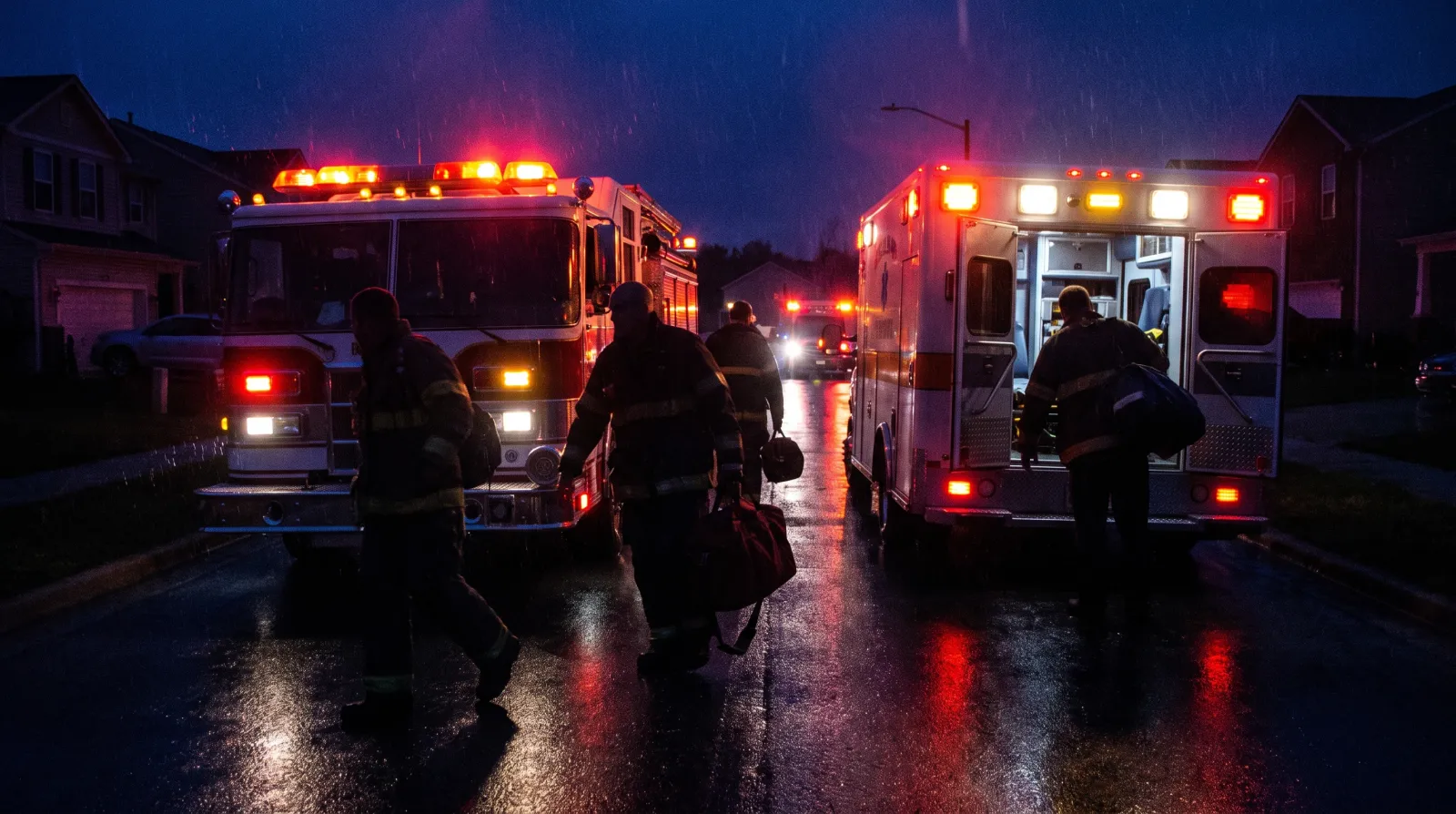
Paper PCR Layout on iPad ePCR: Fewer Bedside Taps
A paper PCR layout on an iPad ePCR keeps the run sheet you trained on, so crews tap less, hunt less, and close the chart before they leave the hospital bay.
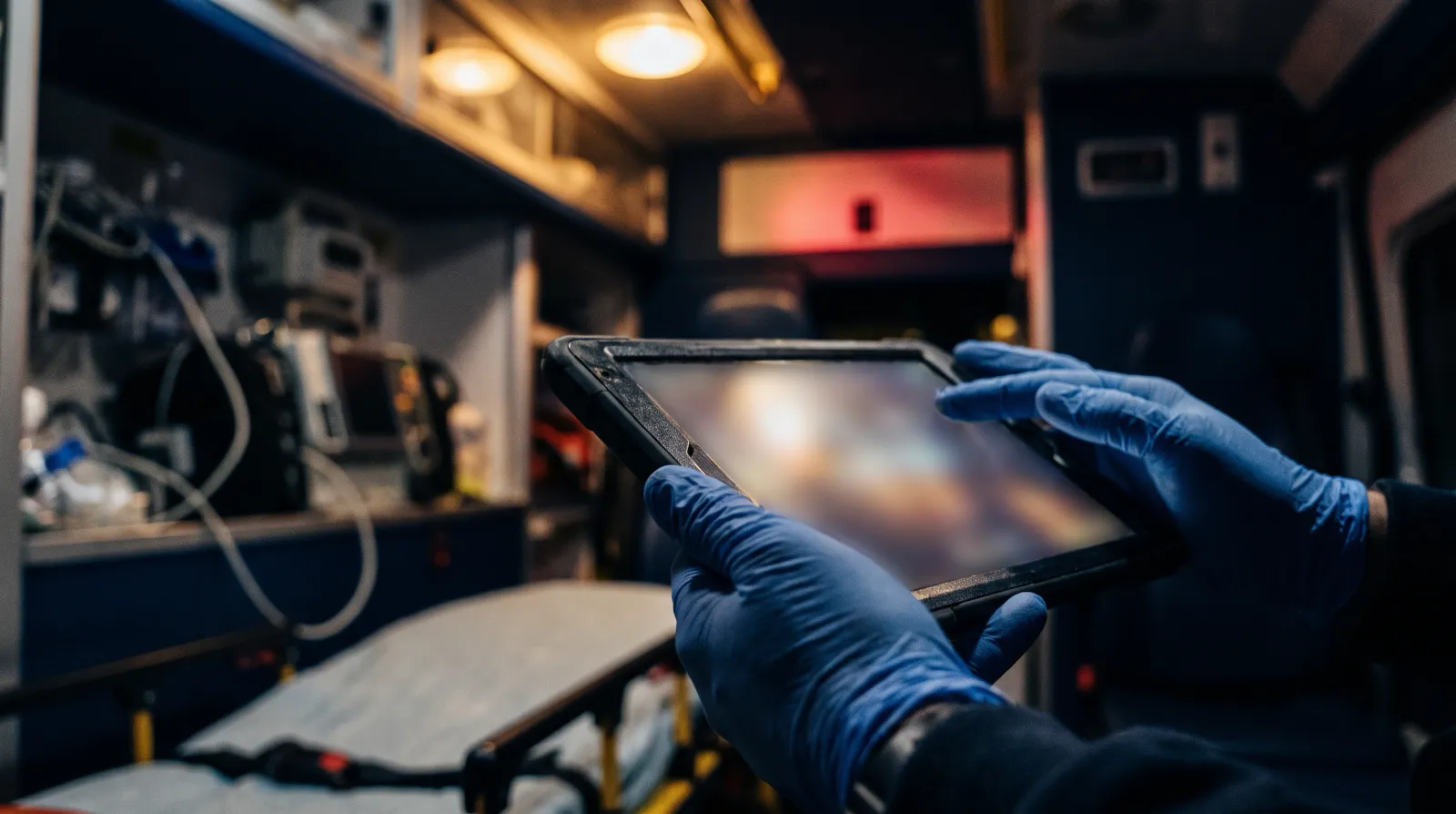
A paper PCR layout on an iPad ePCR cuts bedside taps because it keeps the run sheet you already know. Medic Clipboard puts the whole chart on one scrolling page instead of a stack of tabs, so you can log vitals, meds and notes without getting lost under a dim dome light.
Think back to the paper run sheet. Dispatch info sat at the top. Vitals ran down one side. Exam boxes filled the middle, and your narrative went at the bottom.
You could take in the whole call in a glance. Nobody had to open three sub-tabs to find a pulse. You knew where every box lived, and you could write with one hand while the other held a BVM. A digital chart should keep that speed, not take it away.
Why do tab-heavy ePCRs slow medics down?
A lot of charting software is designed around the office, not the back of a rig. It breaks one call into a long list of tabs and pop-up windows, which works fine at a desk and a lot less fine on a bumpy ride.
You tap into an assessment tab and a pop-up covers what you were looking at. You go to vitals and another one opens on top. If tones drop for a second call, you're backing out of three screens just to save.
That's the kind of friction that wears on you at 0300. Every extra screen is one more place to miss a field, and one more moment your eyes are on the tablet instead of the patient. When you're working an arrest, you need to log shocks and drugs as they happen, not dig for the right menu.
How does a paper PCR layout work on an iPad ePCR?
Medic Clipboard puts the familiar paper layout on a standard, off-the-shelf iPad. No special rugged hardware is needed, and the whole run form lives on one continuous sheet.
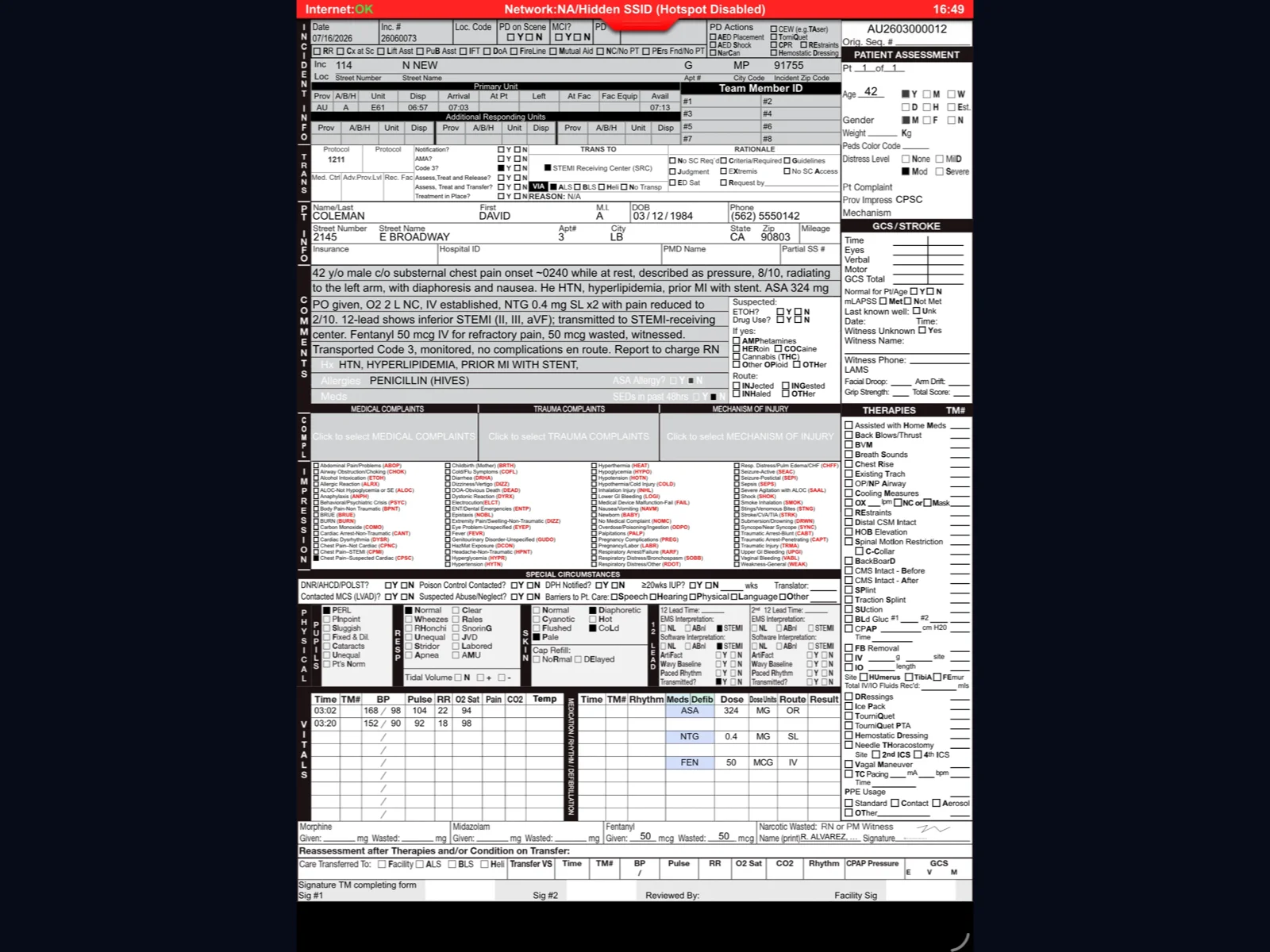
The call is laid out in plain blocks. Dispatch times sit at the top. Vitals rows, exam findings, med doses and your narrative sit right where you'd expect them on paper.
You scroll down the page the way you'd flip down a metal clipboard. Need the first blood pressure while you're logging a drug? Glance up. You don't have to leave the med section to see earlier vitals.
It also works without a signal. Charting, calculations and validation checks all run on the iPad itself, so a brick hospital basement or a rural canyon doesn't stop you. We cover how that works in our post on offline-first ePCR architecture.
What does "two products, two shifts, one record" mean?
Most agencies really run on two shifts. Crews on the street need speed. The morning crowd (billing, state reporting, QA reviewers, chiefs) needs search, exports and oversight.
Mobile Medic splits those jobs into two products that share one incident record. Field crews chart in Medic Clipboard on the iPad, and that screen stays focused on the call. Office staff work in the web platform from any desktop browser, where they get incident search, a dashboard of department runs, QA monitors and NEMSIS state submissions.
When you finish a chart on the iPad, it uploads to the web platform once the device is back on a network. Billing doesn't have to guess what you meant, and you don't have to answer billing questions at the bedside. Each side gets the tool that fits the work.
Can a familiar layout shorten new-hire training?
Turnover hits every agency, and teaching new EMTs and medics a complicated charting system eats paid hours. A layout that matches the paper form they learned in school takes a big chunk of that away.
New hires already know where times, vitals and the narrative go. Most agencies get field-ready after one train-the-trainer session, then their own trainers roll it out to A, B and C shifts.
Dispatch data helps too. One tap pulls CAD details into the chart: run number, unit times and the scene address. Nothing overwrites what you've already typed unless you approve it. If you're comparing systems on this point, our guide on how to choose ePCR software lists what to ask about training and setup.
How are signatures and ED handoffs handled?
Transfer of care at the hospital desk can drag out your turnaround. Medic Clipboard keeps that step short with signatures on the tablet and optional printing.
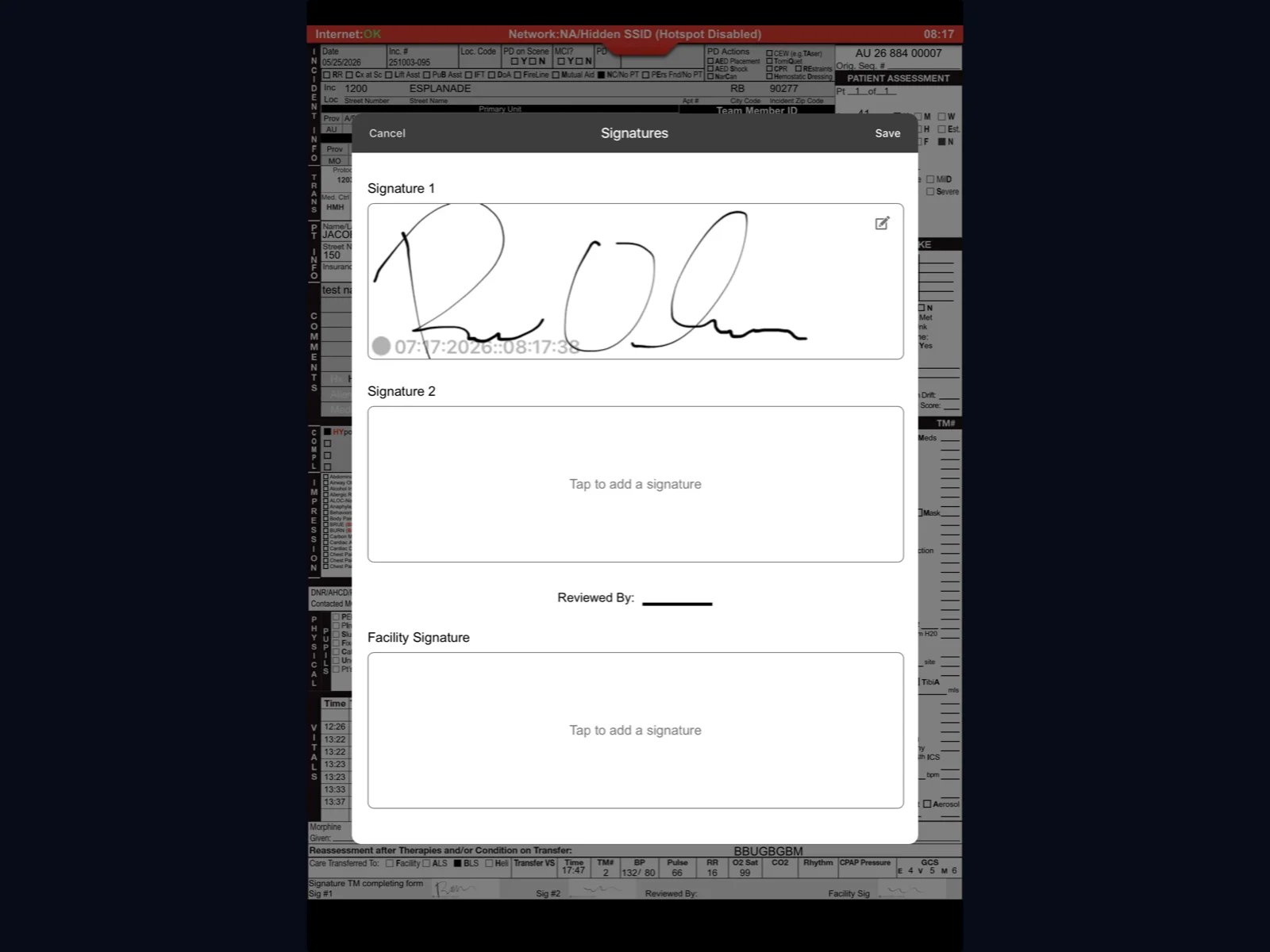
Patients, crew members and receiving nurses sign right on the iPad screen, and those signatures go onto the final chart PDF. For controlled substances, the app records the dose given and the amount wasted with a witness signature on glass.
If the ED still wants paper, Medic Clipboard supports Apple AirPrint. You pick the triage printer and print a summary without extra software or cables.
When an engine crew hands a patient to a transport unit, remote handoff sends the open chart from the engine's iPad to the ambulance's iPad. The transport crew keeps charting on the same record without retyping vitals, and the engine gets back in service sooner. Our post on dual-crew remote handoff and merge walks through it.
How do nested tabs compare to a paper-style layout?
| What matters at the bedside | Deep-tab layout | Paper-style layout |
|---|---|---|
| Finding earlier vitals | Leave the current tab and open another | Scroll up on the same page |
| Screen structure | Tabs and pop-up windows stacked on each other | One continuous run form |
| New-hire learning curve | Learn where each tab hides each field | Boxes sit where the paper form had them |
| Working under a dome light | Small controls spread across screens | Familiar blocks on one sheet |
| No cell signal | Depends on the system | Charting continues on the iPad |
| Receiving nurse signature | Navigate to a separate signature screen | Signature on glass at handoff |
What does a 0230 diabetic call look like?
Frequently asked questions
Can we adjust the layout to match our old paper forms?
Each agency runs its own version of the form, so it can be set up around local protocols and reporting needs while keeping the paper-style look. Talk with us about what you'd want changed and we'll walk through it.
Does a paper-style layout still meet NEMSIS reporting?
Yes. The screen looks like a paper form, but the data behind it maps to NEMSIS 3.5.0, the standard Mobile Medic runs on in production today. Mandatory validation checks flag missing state and billing fields before you submit, and recommended checks coach you without locking the screen. Work on NEMSIS 3.5.1 is in progress. For what the update means in the field, see our NEMSIS 3.5.1 field prep guide.
Can medics chart with gloves on?
Medic Clipboard runs on a standard iPad, and you chart with your finger, no stylus needed. How well a touchscreen reads through gloves depends on the glove and any screen protector, so try your own gloves on your own iPads before go-live.
What happens if the iPad dies on scene?
Your entries save to the iPad as you type, and drafts sync to the cloud in the background whenever there's a connection. If a tablet dies or gets damaged, you can log in on another department iPad and pick the chart back up where it last synced.
How does AirPrint work in the ED?
Medic Clipboard uses Apple's built-in AirPrint. You hit print, choose the hospital's AirPrint printer, and hand over a paper summary without installing anything extra.
Ready to chart faster at the bedside?
Crews should spend their energy on patients, not on hunting through menus. See how the field app and the office platform fit together in the Mobile Medic product overview.